- 7 -
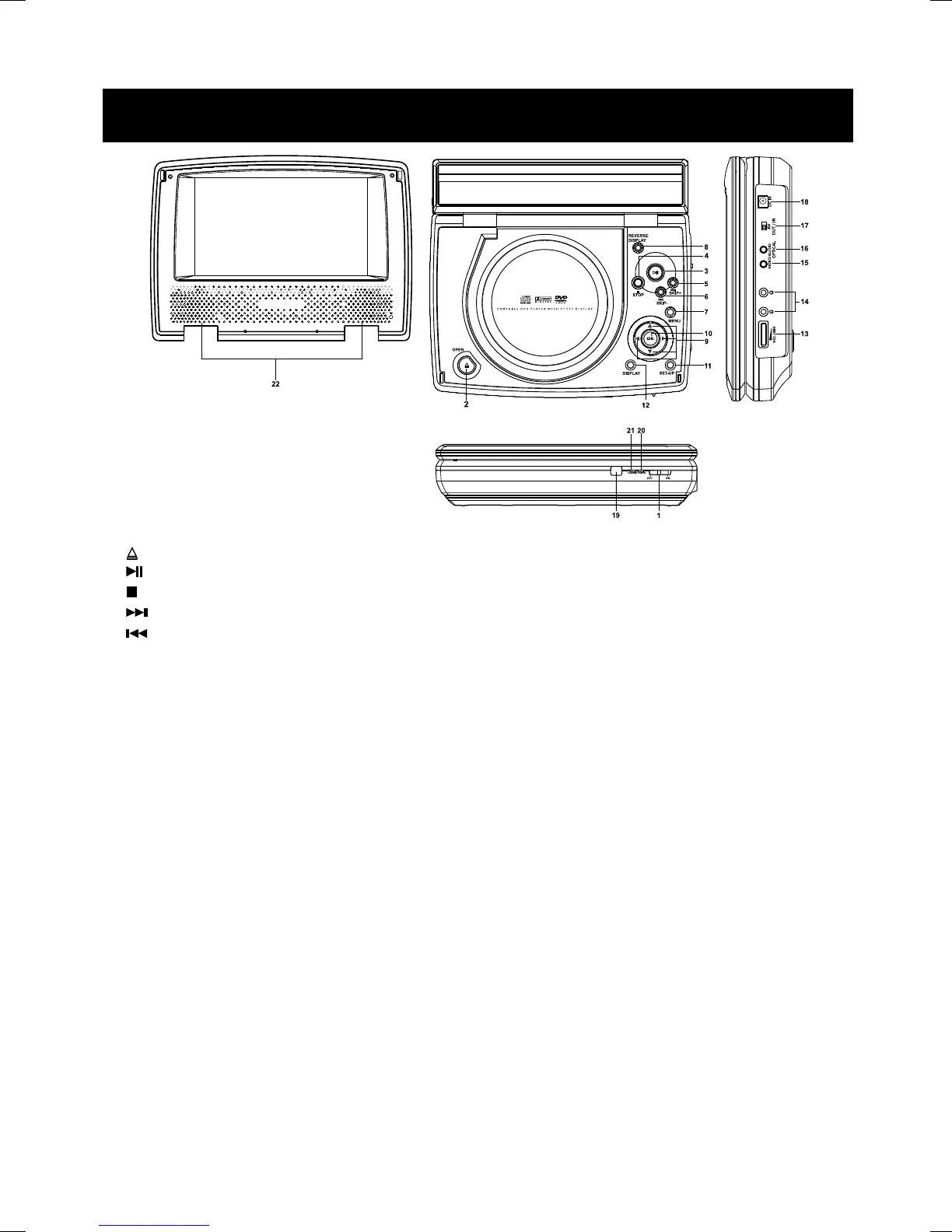
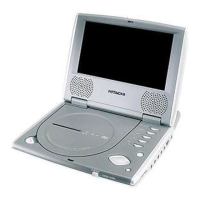
MAIN UNIT
1. ON/OFF – Turn the player on or off.
2.
OPEN – To open the disc door.
3.
PLAY – Start disc playback or pause the playback.
4.
STOP – Stops disc playback.
5.
SKIP + – To skip to the next track, and next chapter ( only while playing )
6.
SKIP - – To skip to the beginning / previous track, and the beginning / previous chapter (only while playing)
7. Menu – In DVD mode, press for Menu setup for DVD Title ( if available ).
8. REVERSE DISPLAY – To reverse the screen display up side down.Hold this key,the TFT panel display format will
change between 16:9 and 4:3.
9. Navigation Keys – Select Menu items
10. OK – Press to confirm the selected function.
11. SET-UP – Accesses the DVD player setup menu.
12. Display – Press for detailed information on the disc playing.
13. Volume Control - Rotate to adjust to your desired sound level
14. Headphone Jack – To listen to stereo sound with headphones (not included)
15. Video
Video out – Connects to the Video input to your TV. ( A/V Switch set at “ Out “ )
Video in – Connects to the Video from external video source. ( A/V Switch set at “ In “ )
16. Audio Optical
Audio Out – Connects to the Audio input to your TV/External amplifier system. ( A/V Switch set at “ Out “ )
Audio In – Connects to the Line from external audio source. ( A/V Switch set at “ In “ )
17. A/V IN/OUT – Selects to analog Audio and Video In / Out function.
18. DC Power In – Connects to DC power source in
19. IR – Infrared sensor for remote control.
20. Power LED – LED lights up when the player turns on.
21. Charge LED – LED lights up in red when the battery is being charged;LED blink in green when the battery
is charged full.
22. Speakers


 To Next Page