English
9
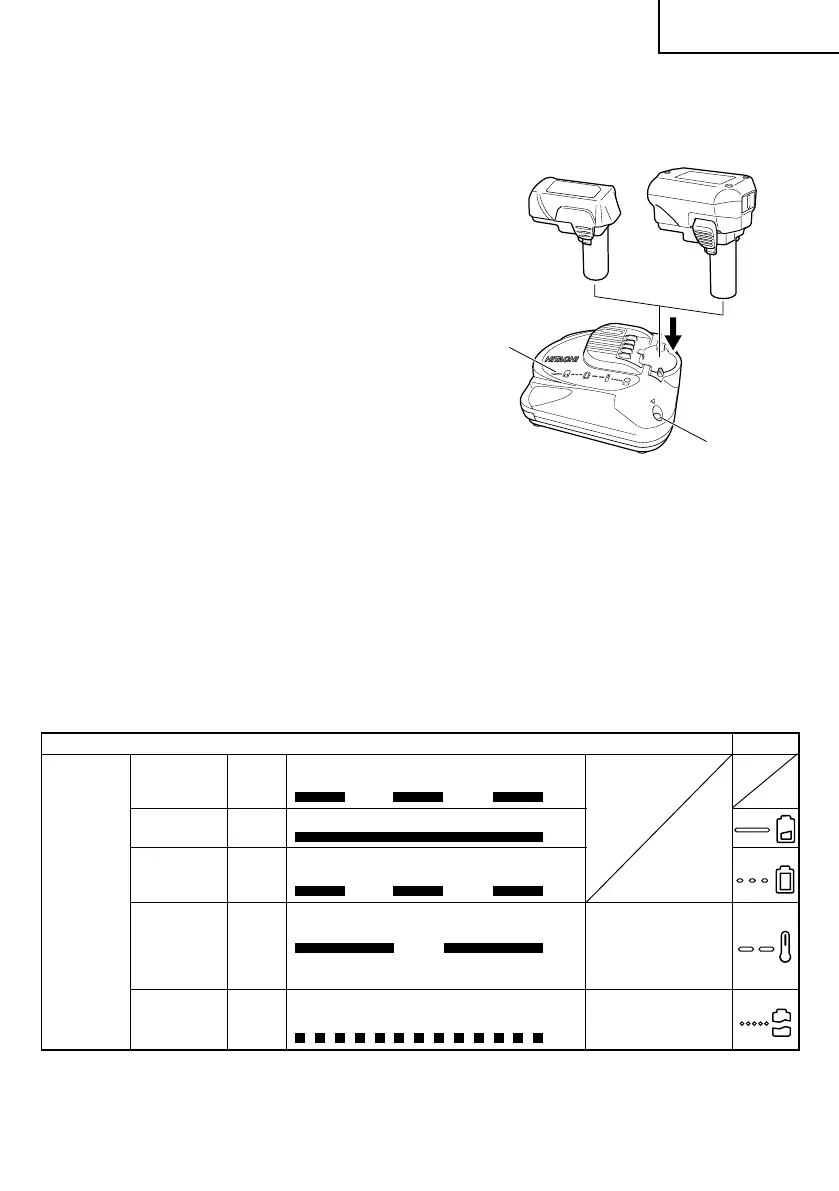
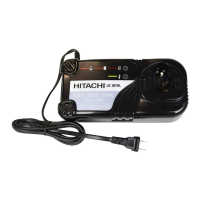
2. Insert the battery to the battery charger.
Insert the battery into the battery charger
as shown in Fig. 2.
3. Charging
䡬 When the battery is connected to the battery
charger, charging will commence and the
pilot lamp will light in red. (See Table 2)
NOTE: If the pilot lamp does not light or
blink in red, pull out the plug from
the receptacle and check if the
battery is properly mounted.
䡬 When the battery is fully charged, the pilot
lamp will blink in red slowly. (At 1-second
intervals) (See Table 2)
NOTE: The battery charging time becomes
longer when a temperature is low
or the voltage of the power source
is too low.
When the pilot lamp does not blink
in red (At 1-second intervals) (See
Table 2) even if more than four hour
has passed after start of the
charging, stop the charging and
contact your HITACHI AUTHORIZED
SERVICE CENTER.
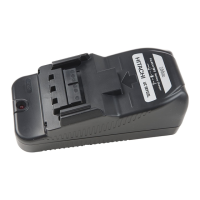
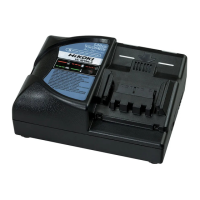
Fig. 2
BCL1015S
BCL1015
Table 2
Indications of the pilot lamp
Before
Lights for 0.5 seconds. Does not light
charging
Blinks for 0.5 seconds. (off for 0.5 seconds)
Lights
Lights continuously
Lights for 0.5 seconds. Does not light
Blinks for 0.5 seconds. (off for 0.5 seconds)
Lights for 1 second. Does not light
for 0.5 seconds. (off for 0.5 seconds)
Blinks
Lights for 0.1 seconds. Does not light
Flickers for 0.1 seconds. (off for 0.1 seconds)
Overheat
standby
While
charging
Charging
complete
Battery overheated.
Unable to charge.
(Charging will
commence when
battery cools)
Pilot lamp
(red)
Charging
impossible
Malfunction in the
battery or the
charger
Symbol
mark
Pilot lamp
Symbol mark
BCL1030
01Eng_UC10SL2_US 4/2/14, 10:509


 To Next Page