EasyManua.ls Logo

Hitachi UT32-MH700A - User Manual

Hitachi UT32-MH700A
39 pages
Print Icon
To Next Page IconTo Next Page
Loading...
Color LCD Monitor
USER MANUAL
For future reference, record the serial number of your monitor.
SERIAL NO.
This serial number is located on the rear of the monitor.
Model Name
UT32-MH700A
UT37-MX700A
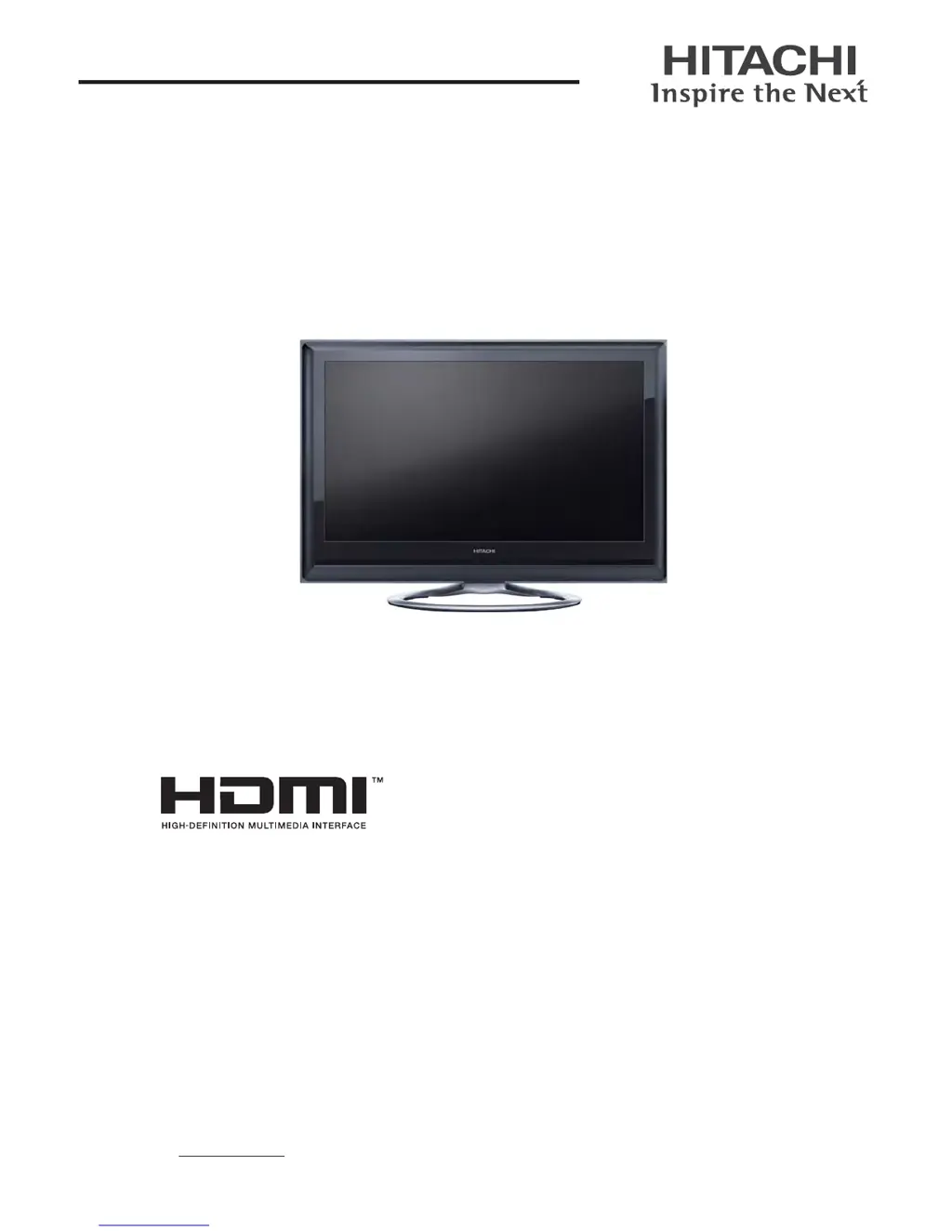
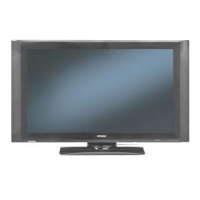
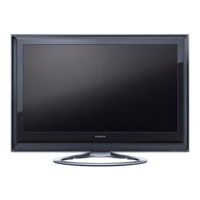
This is the image of the model UT32-MH700A.
READ THE INSTRUCTIONS INSIDE CAREFULLY.
KEEP THIS USER MANUAL FOR FUTURE REFERENCE

Table of Contents

Questions and Answers

  • B
    Bethany EllisSep 23, 2025
    Why image cannot be displayed in the correct position on my Hitachi Monitor? (RGB input mode only)
    • A
      Ashley ParksSep 23, 2025
      If the image cannot be displayed in the correct position on your Hitachi Monitor (RGB input mode only), press the button to check if the input signal of the displayed image is compatible with the specifications of the unit.
  • K
    Kimberly GrantAug 23, 2025
    What to do if there is no picture but normal sound on my Hitachi UT32-MH700A?
    • R
      Rhonda AndersonAug 23, 2025
      If you have normal sound but no picture on your Hitachi Monitor, check the 'Brightness' and 'Contrast' levels in the 'Picture Menu'. Also, verify the connections to external equipment and the 'RGB Input' setting in the 'Setup' menu for RGB or Composite input.
  • D
    davischristopherAug 25, 2025
    How to fix no picture and no sound on Hitachi Monitor?
    • R
      rasmussenshaneAug 26, 2025
      If your Hitachi Monitor has no picture and no sound, check the Indicating lamp status (Off, Red, Green, or Orange). Ensure the power cord and other cables are correctly connected. Verify that the unit and any external equipment are powered on. Confirm the correct mode is selected, and check if the unit is in 'Standby mode' or 'Power Save mode'. Adjust the values in the 'Picture menu' and 'Audio menu'.
  • L
    Lauren OlsonAug 26, 2025
    What to do if my Hitachi UT32-MH700A Monitor displays multiple images but the sound is normal?
    • E
      Elizabeth CarrAug 27, 2025
      If your Hitachi Monitor shows multiple images with normal sound, check the connections to external equipment.
  • J
    johncowanAug 27, 2025
    Why is there no sync signal on my Hitachi UT32-MH700A?
    • J
      James GrahamAug 28, 2025
      If your Hitachi Monitor displays 'No Sync. Signal', verify that the cable is correctly and firmly connected. Ensure that the power of any external equipment is ON. Check that the input selection matches the connection terminal. Also, check if the PC is in Power Save mode.
  • R
    Ricky CurtisSep 17, 2025
    How to fix blurred characters on the screen of my Hitachi UT32-MH700A? (RGB input mode only)
    • S
      Scott AllenSep 17, 2025
      If all the characters on the screen of your Hitachi Monitor are blurred when a letter string is displayed in full-screen (RGB input mode only), try 'Auto Adjust' or press the button on the remote control. If the condition is not improved with 'Auto Adjust', adjust 'Clock Phase' until you get the clearest image.
  • R
    rweeksSep 14, 2025
    What to do if part of the image is missing on my Hitachi Monitor? (RGB input mode only)
    • S
      susan63Sep 14, 2025
      If part of the image is missing on your Hitachi Monitor (RGB input mode only), try 'Auto Adjust' or press the button on the remote control. Check if the input signal is compatible with the signals on 'Recommended Signal List'. Also, verify that 'WXGA Mode' is set correctly.
  • R
    ryanduffySep 15, 2025
    How to fix vertical stripes and blurred characters on Hitachi Monitor? (RGB input mode only)
    • K
      Kathleen YoungSep 16, 2025
      If vertical stripes appear and some characters are blurred when characters are displayed on the whole screen of your Hitachi Monitor (RGB input mode only), try 'Auto Adjust' or press the button on the remote control. If the display condition is not improved with 'Auto Adjust', adjust 'Horizontal Clock'.
  • A
    Anthony GarciaSep 6, 2025
    What to do if the buttons on both the remote control and control panel of my Hitachi Monitor do not work?
    • T
      Tonya SuttonSep 6, 2025
      If the buttons on both the remote control and control panel of your Hitachi Monitor aren't working, unplug and reconnect the power cord. Hold down the Reset button on the control panel for over a second.
  • G
    George DorseySep 3, 2025
    What to do if my Hitachi UT32-MH700A has no color but normal sound?
    • J
      Jacob JenkinsSep 3, 2025
      If your Hitachi Monitor displays no color but the sound is normal, check the connections to external equipment. Also, check the 'Color System' setting in Composite input.

Hitachi UT32-MH700A Specifications

General IconGeneral
Screen Size32 inches
Resolution1366 x 768
Aspect Ratio16:9
Display TypeLCD
Contrast Ratio1200:1
Viewing Angle178° (H) / 178° (V)
SpeakersYes, 10W x 2
Input PortsHDMI, Composite, Component

Related product manuals