45
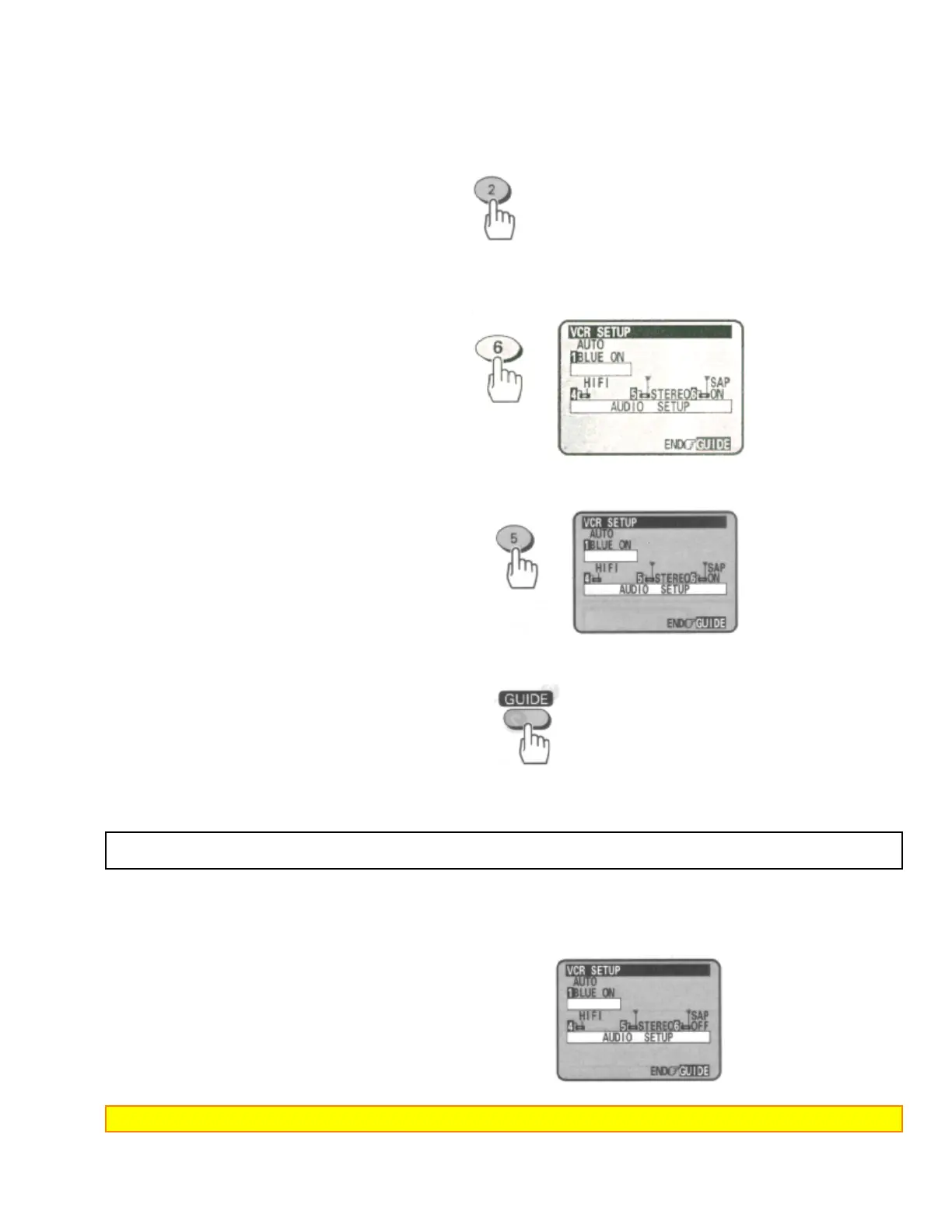
2 Press the (2) button to select the VCR SETUP operation.
Remote Control Illustration.
3 Press the (6) button to set the SAP option to "ON".
4 Press the (5) button to set the STEREO/MONO option to "STEREO".
5 Press the GUIDE button to end the setting.
6 Follow the Step 1 through 6 on "Basic Recording Steps" on pages 39 and 40.
Stereo vs. mono sound
When you select the STEREO option in the initial setup operation, your VCR records in stereo any station that
broadcasts stereo sounds. When a TV channel broadcasts in stereo, you'll see a stereo indicator on the TV
screen.
Set to MONO if the stereo signal is weak and the sound is too "noisy".
Note: When you select MONO, sound is recorded as mono even when a channel broadcasts in stereo.


 To Next Page
 Loading...









