63
tapes.
Note: If your camcorder is not stereo (has only one audio plug), connect it into the AUDIO IN-L input on
the back of the VCR.
* It is not necassary to connect the S-VIDEO jack
Camcorder Hook-up Illustration.
To copy from a camcorder
BEFORE YOU BEGIN...
Connect the camcorder's AV output cable to the audio/video jacks on the back of your VCR.
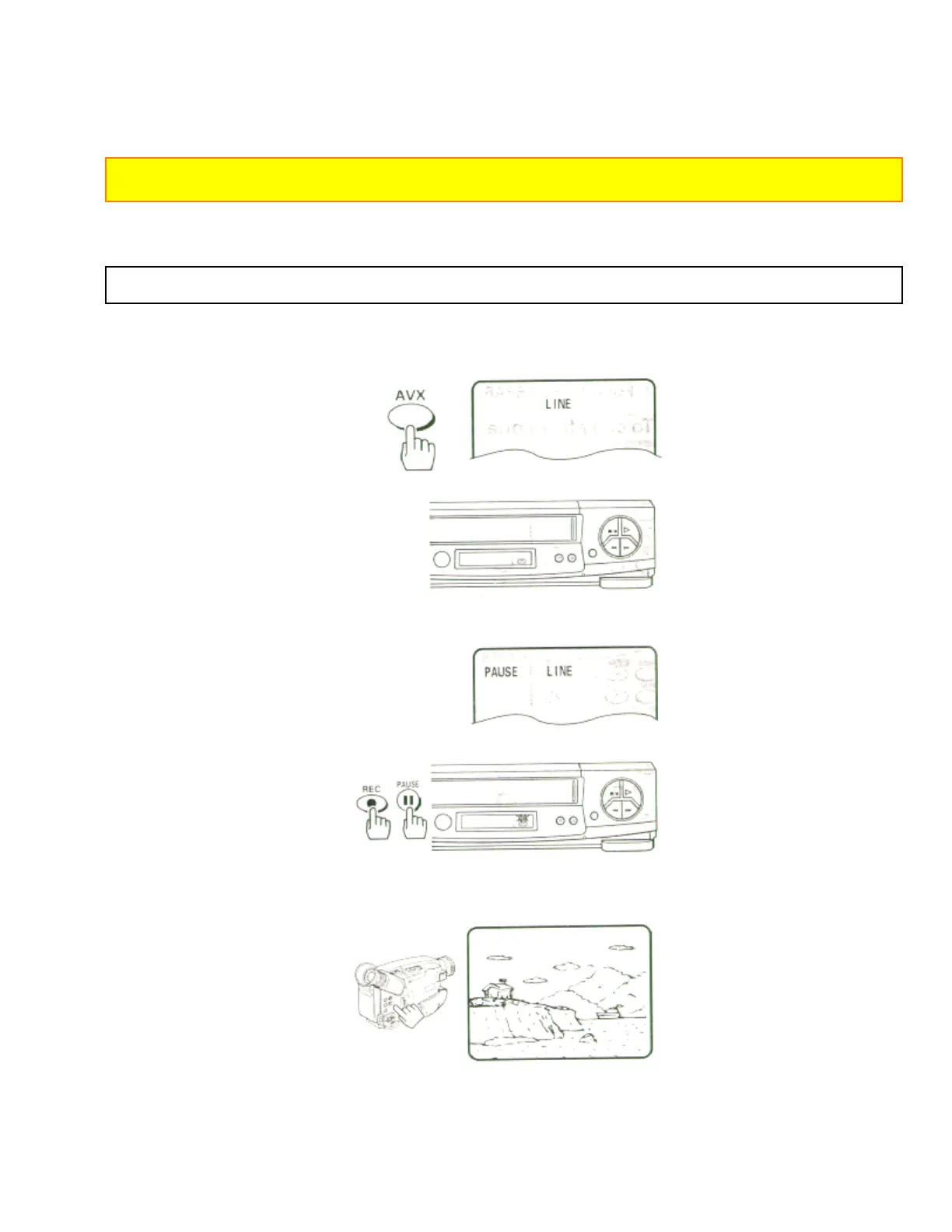
1 Press the AVX button twice on remote control, to display L2 (line) on the TV display.
2 Press the REC, then PAUSE buttons on the VCR remote control. The VCR will go into Record/ Pause.
Remote Control Illustration.
3 Press the PLAY button on the camcorder. You will see the camcorder tape being played on the TV.
4 When you see the part of the Camcorder tape you wish to copy, press the PAUSE button again to
release pause and start copying the camcorder tape.


 To Next Page
 Loading...









