56
display)
You can use the VCR Plus+ system to program the timer, observing the VCR's display, without turning on the
power to the VCR and TV.
Notes:
• If you use the VCR Plus+ system to program the timer while observing the VCR's display, you can only program
a one-time recording.
• To stop programming, press the POWER button to turn the VCR power on.
Remote Control Illustration
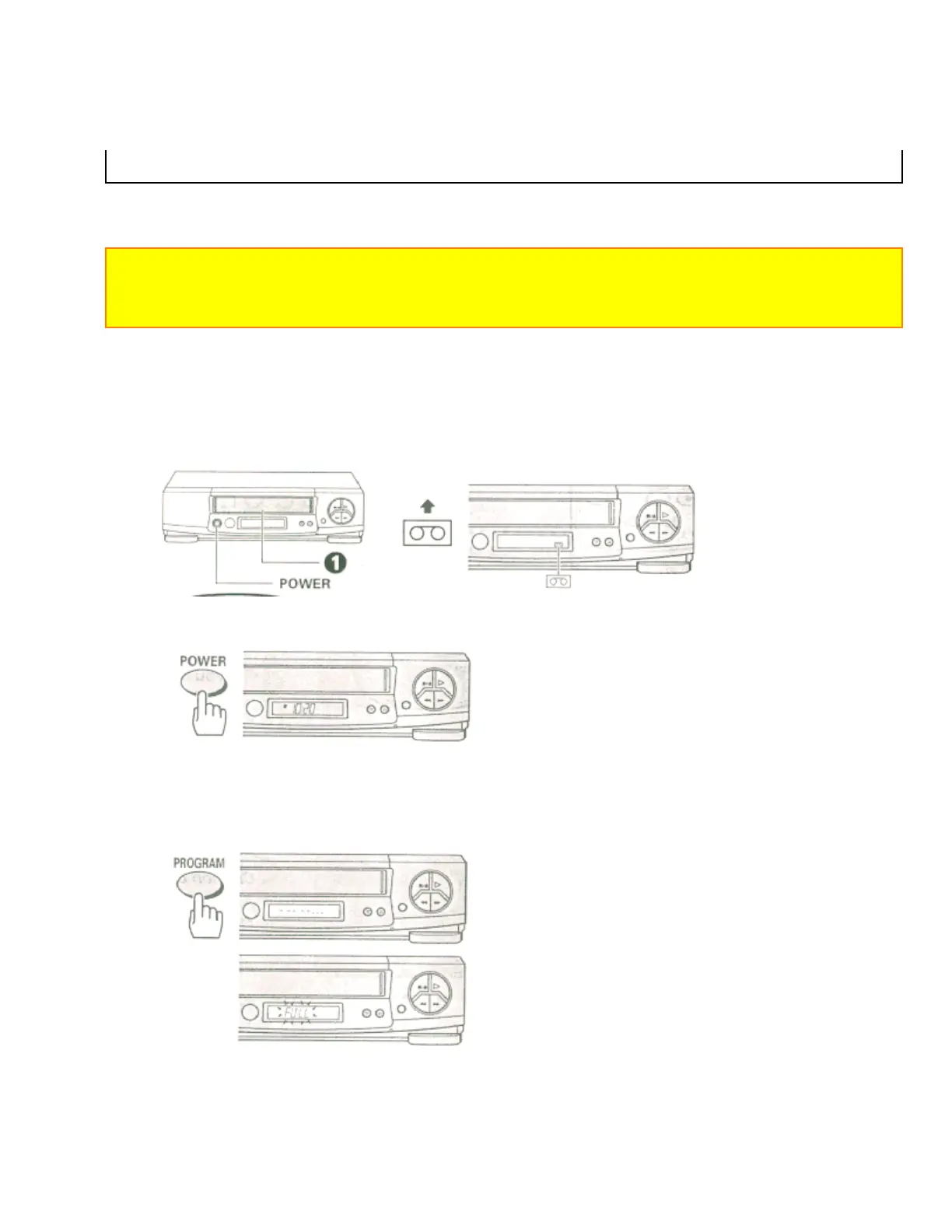
1 Insert a blank or eraseable tape.
The power comes on automatically and the tape indicator lights on the display.
• When a cassette without its safety tab is inserted, playback starts automatically and VCR Plus+ recording won't
operate.
2 Press the POWER button to turn the off the VCR.
3 3 Press the PROGRAM button.
The clock display switches to the indication on the right.
• If eight programs have already been stored in memory, "FULL" will flash in the VCR's display for about
five seconds.
4 Press the number buttons to enter the PlusCode number of the program you want to record.


 To Next Page
 Loading...









