28
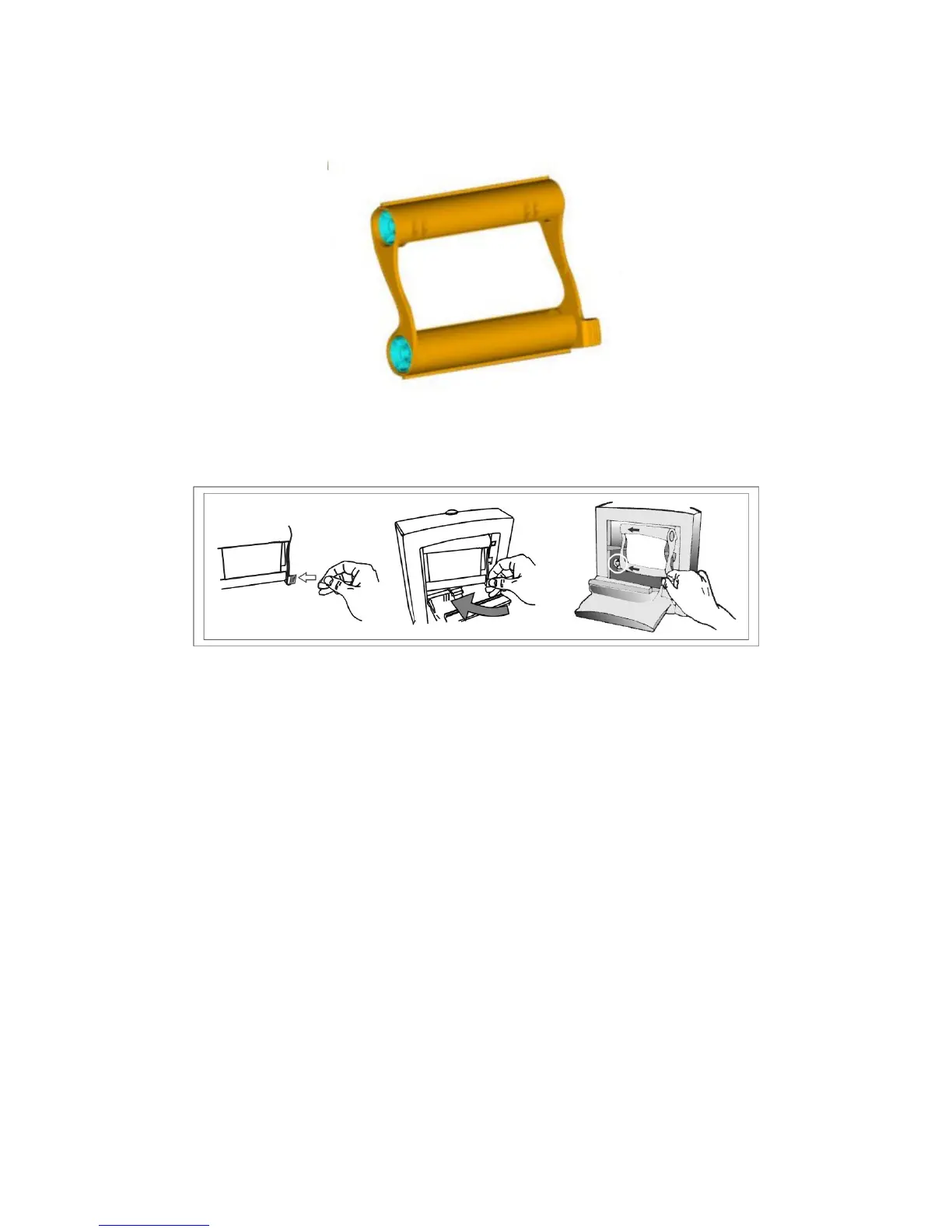
6. Use your right hand to take right-lower "Ribbon Cartridge" handler.
7. Hold the "Ribbon Cartridge" and place it inside the printer. Please pay
attention to meet the “Drive” while putting the "Ribbon Cartridge".
8. When you finished, close "Ribbon Door".
9. Plug paper tray to paper tray slot.











 To Next Page