EasyManua.ls Logo

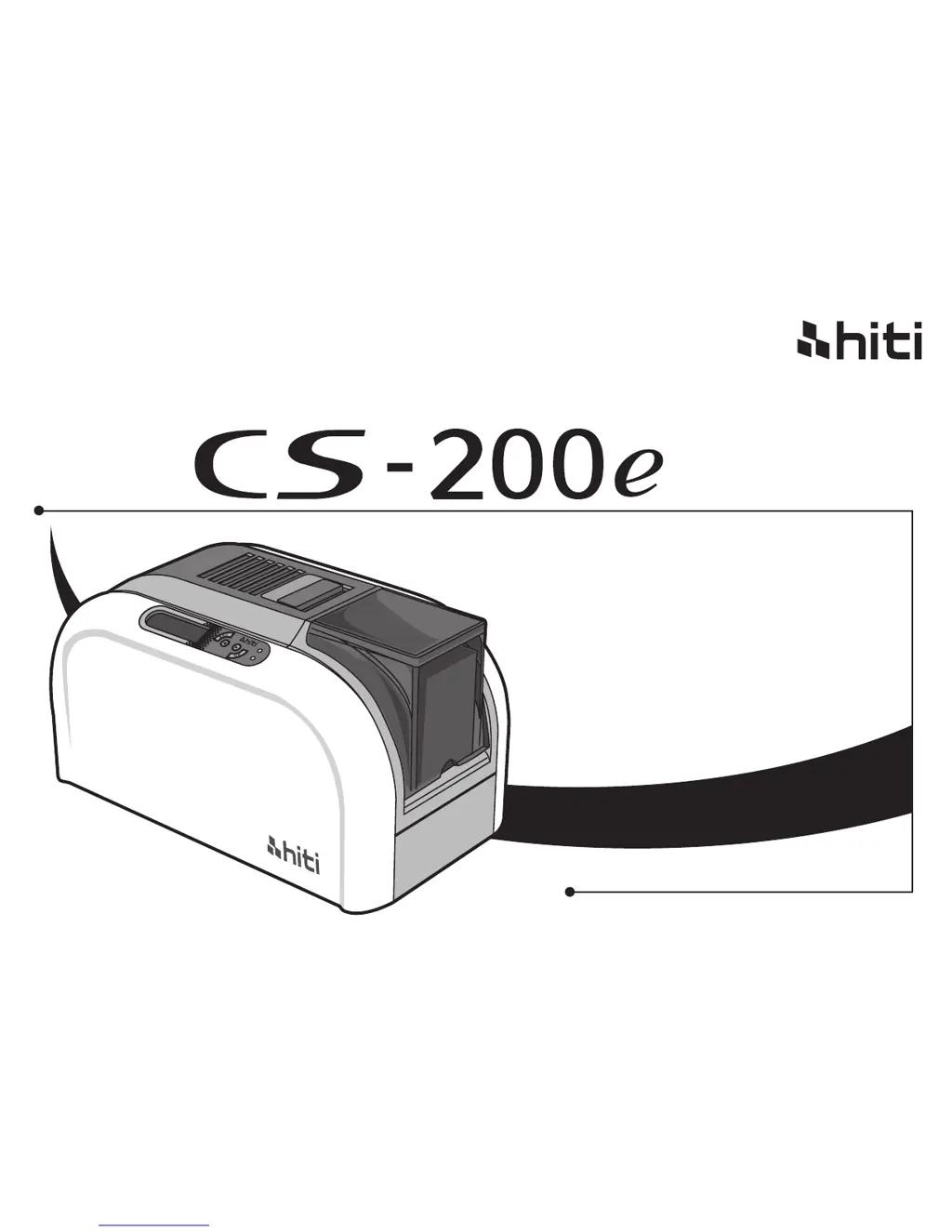
HiTi Digital CS-200e - User Manual

HiTi Digital CS-200e
80 pages
Print Icon
To Next Page IconTo Next Page
Loading...
HiTi
user manual
ᮢ⦦
ᮢ⦦
www.hiti.com
HiTi Digital, Inc.

Other manuals for HiTi Digital CS-200e

Questions and Answers

  • T
    Timothy ButlerAug 1, 2025
    What to do if my HiTi Digital Printer is doing partial or incorrect printing?
    • T
      Tammy MoralesAug 1, 2025
      If your HiTi Digital Printer is printing cards with partial or incorrect images, begin by verifying the printer settings. Then, check the interface cable and ribbon to ensure they are properly connected and in good condition. Also, make sure the printer’s cleaning roller and the printing card are clean. Finally, inspect the print head for any damage or debris.
  • G
    Gabriel WilliamsAug 6, 2025
    Why is my HiTi Digital Printer printing horizontal white lines?
    • C
      Christine HansenAug 7, 2025
      If your HiTi Digital Printer is printing cards with horizontal white lines, first, check that the ribbon is correctly fitted. If the problem persists, inspect the print head for dirt or damage.
  • Z
    zmckeeAug 12, 2025
    What to do if my HiTi Digital CS-200e prints a blank card?
    • K
      Kimberly WeberAug 12, 2025
      If your HiTi Digital Printer is printing blank cards, check the ribbon to ensure it's properly installed and not depleted. Next, verify the 'Printing Area' setting (value A) in the driver and set it to default. Finally, confirm that the card meets the CR-80 specification.
  • S
    Stephanie GriffinAug 19, 2025
    Why does my HiTi Digital CS-200e print some small blemishes?
    • A
      Andrew RichardsAug 19, 2025
      If your HiTi Digital Printer is printing cards with small blemishes, the card surface may be dirty, so cleaning via dust arrestor may help. If the issue remains, the print head might be clogged. Also, check the roller of the dust arrester and replace it if needed.
  • A
    Angela GonzalezAug 25, 2025
    How to troubleshoot a HiTi Digital Printer that is not responding?
    • J
      Jason Brown DVMAug 26, 2025
      If your HiTi Digital Printer isn't doing anything, start by checking the printer driver to ensure it is properly installed. Next, verify the printer's power supply and USB cable connections. Also, inspect the ribbon and card. Finally, try printing a demo chart to test the printer's functionality.

Summary

Chapter 1. Getting ready

1.1 Checking box contents

Lists all items included in the HiTi CS-200e printer package.

1.2 Appearance of the Printer and Key Functions

Details the external features, ports, and control panel of the HiTi CS-200e printer.

1.3.1 Ribbon Installing

Provides instructions for installing the ribbon into the printer.

1.3.2 Printer Connecting (Power & USB)

Explains how to connect the printer to power and a computer via USB.

1.3.3 Card Placing

Instructions for loading cards automatically and manually into the printer.

Collecting

Describes how printed/encoded cards are collected in the output hopper.

Adjusting

Explains how to adjust the card thickness mechanism of the printer.

Chapter 2. Start printing

2.1 Print driver installation

Guides users through the process of installing the printer driver software.

2.2 Print settings

Details various print settings available in the driver properties.

2.3 Print software application

Introduces the included HiTi CardDésirée CS software for card design.

Chapter 3. Printer maintenance

3.1 General warranty information notice announcement

Provides crucial information about warranty conditions related to printer maintenance.

3.2 Routine; Regular printer cleaning

Outlines the schedule and importance of routine cleaning for printer maintenance and warranty.

Chapter 4. Help Diagnosis

4.1 Warnings; Error messages and diagnosis

Explains how to interpret warning and error messages displayed by the printer.

4.1.2 Control panel warning messages

Lists specific error messages, their causes, and suggested solutions.

4.2 Printing a demo chart

Recommends printing a demo chart to verify printer functionality and quality.

4.3 Identify installed driver software version

Guides users on how to check the currently installed version of the printer driver.

4.4 Troubleshooting

Provides guidance for diagnosing and resolving common printing problems.

4.4.2 Releasing from card jams

Offers instructions on how to safely remove jammed cards and prevent future jams.

4.5 Technical support

Explains how to get technical assistance and what information to provide.

Appendix A: Technical Specifications

HiTi Digital CS-200e Specifications

General IconGeneral
Print Resolution300 x 300 dpi
ConnectivityUSB 2.0
TypeDye Sublimation
Print TechnologyDye Sublimation
Media Size4" x 6"
Media TypePhoto Paper
Weight3.5 kg
Power Consumption60W

Related product manuals