6
I.3. Key Functions
Belva 40
HOME
MENU
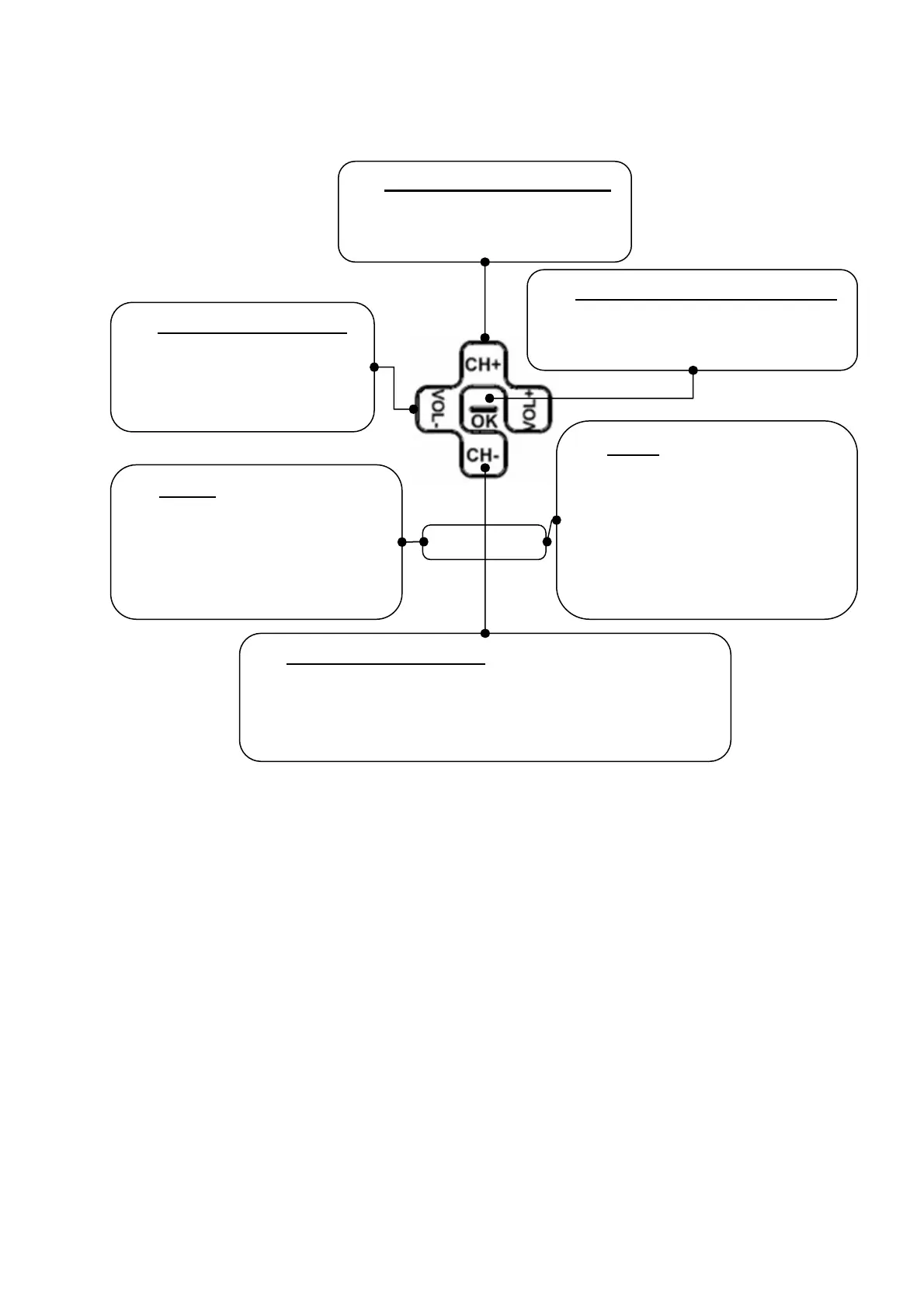
È Channel Up/Down Keys
Press [CH+]/[CH-] buttons
to tune up or down channels.
È
Option/Service Selection
Press this button to select the
service or the option.
È Volume Adjustment
Press [VOL+]/[VOL-]
buttons to adjust the
volume.
È
Menu
Press this button to enter the
service menu when using
DVB-T services or go back to
home menu when using
other functions.
È HOME
Press this button to return to
the home menu screen
except in service menu of
DVB-T services.
È
Navigating the Menu
In home menu, press [CH+]/[CH-] buttons to move
cursors up and down. Press [VOL+]/[VOL-] buttons
to move the cursor left and right.



 To Next Page