9
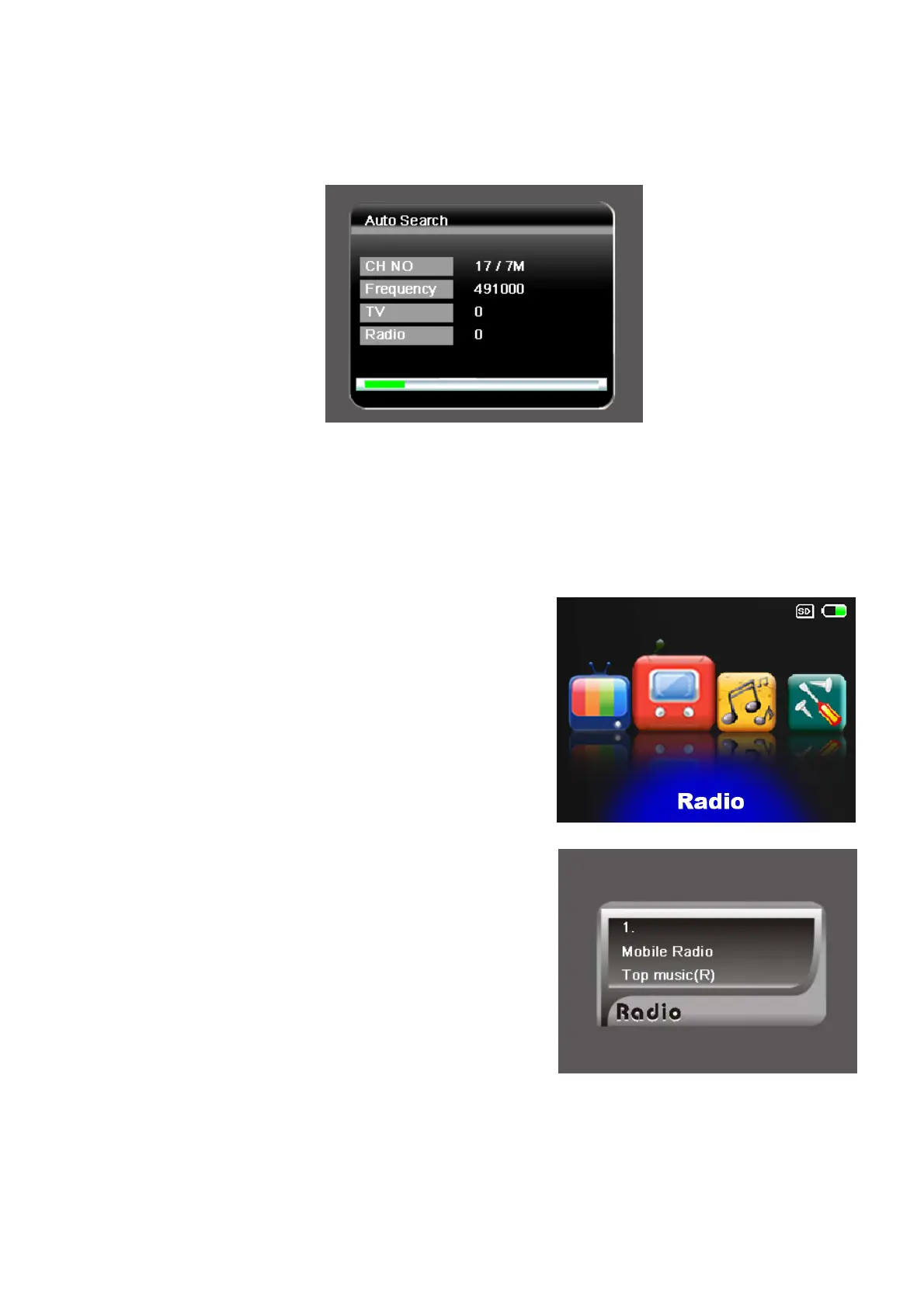
Step 5: Perform auto search to find available TV DVB-T channels.
1. Use [CH+]/[CH-] buttons to highlight the Auto Search item.
2. Press [OK] button to start.
Step 6: Job well-done! You can now sit back and enjoy your mobile TV.
IV.2. DVB-T Radio Listening
1. Press [VOL+]/[VOL-] buttons to select
the Ratio item and then press [OK]
button to enter the radio mode.
2. Press [CH+]/[CH-] to select your
preferred radio channel.
3. The radio service will instantly start.



 To Next Page