HEV-1000 User Manual
You can connect a USB Keyboard (SETTING > FTP Item is to be set for use of this keyboard).
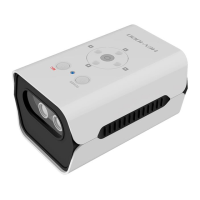
When HEV-1000 is powered, you can see the blue light beaming around the buttons. Then, the
product logo will be displayed on the touch screen and HDMI.
After its booting is completed, you will see video is displayed either on LCD or HDMI (monitor).
• On LCD if the LCD touch screen is connected.
• On HDMI if there is no LCD touch screen connected.
Product Specifications
1/3" CMOS 1280 x 720 (HD)
RJ-45 (Cable not provided)
Real Time Clock is supported
Alarm & Beep sound is supported


 To Next Page