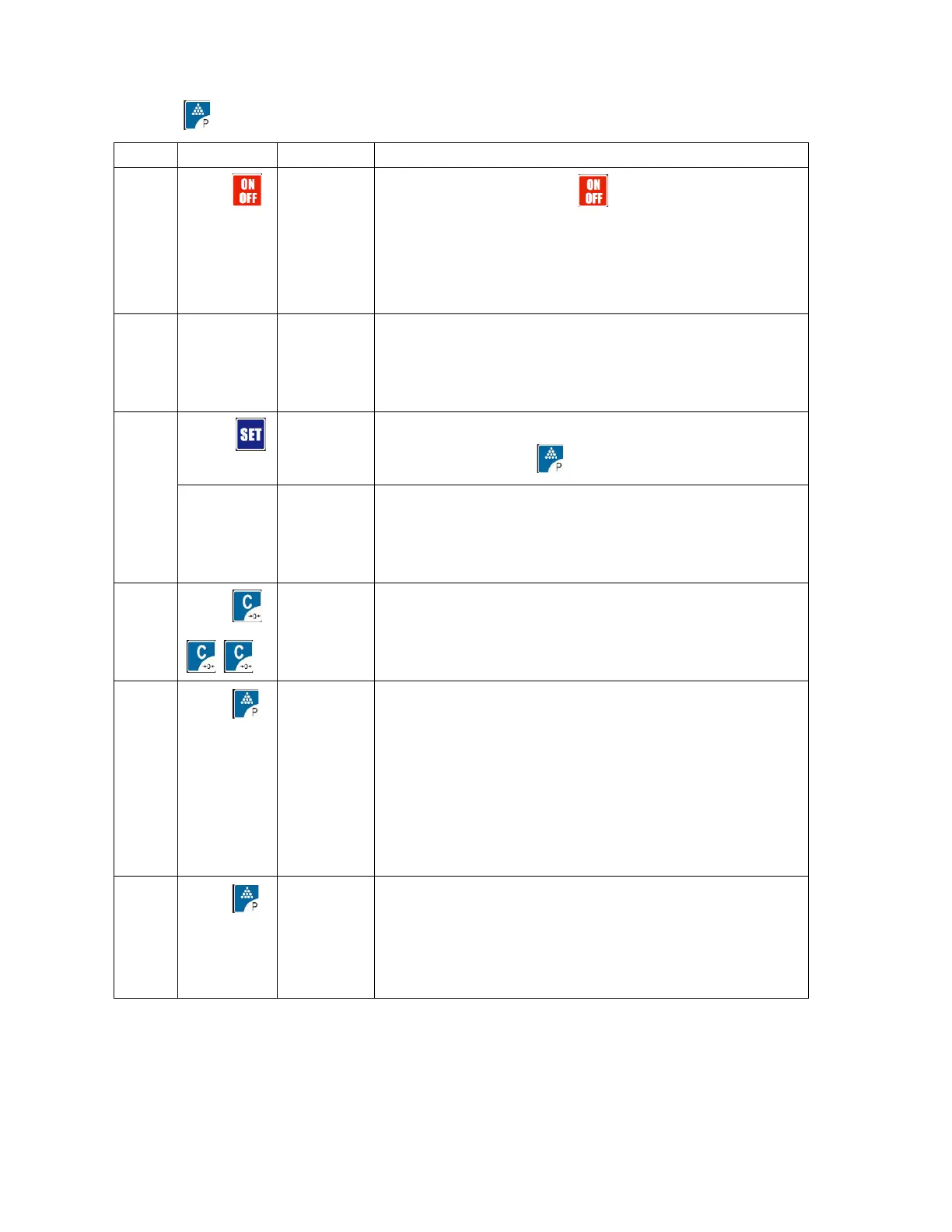
3. Press to confirm and enter next step
Switch on and then press
EnSEt Means parameter setting and calibration allowed
(CLoCK is plus model with clock)
Needs password
Input 2003 and press to enter parameter setting
0.001-0.002-0.005-10-20-50-100-200-500-0.10-0.20-0.50-1-
2
-5-0.1-0.2-0.5-0.01-0.02-0.05
Press C to choose, example of 0.1
Press
Press3
Press0
Press0
Press0
6000
-FS-
6000
3
30
300
3000
Full Scale setting
Example 3000
0—2 filtering chose, the value smaller, speed faster,
value bigger, the more stable, so choose smaller value
if the weighing condition good, if not, choose the big
value
Example: FLt =1



 To Next Page