EasyManua.ls Logo

HKC 24C2NBD - User Manual

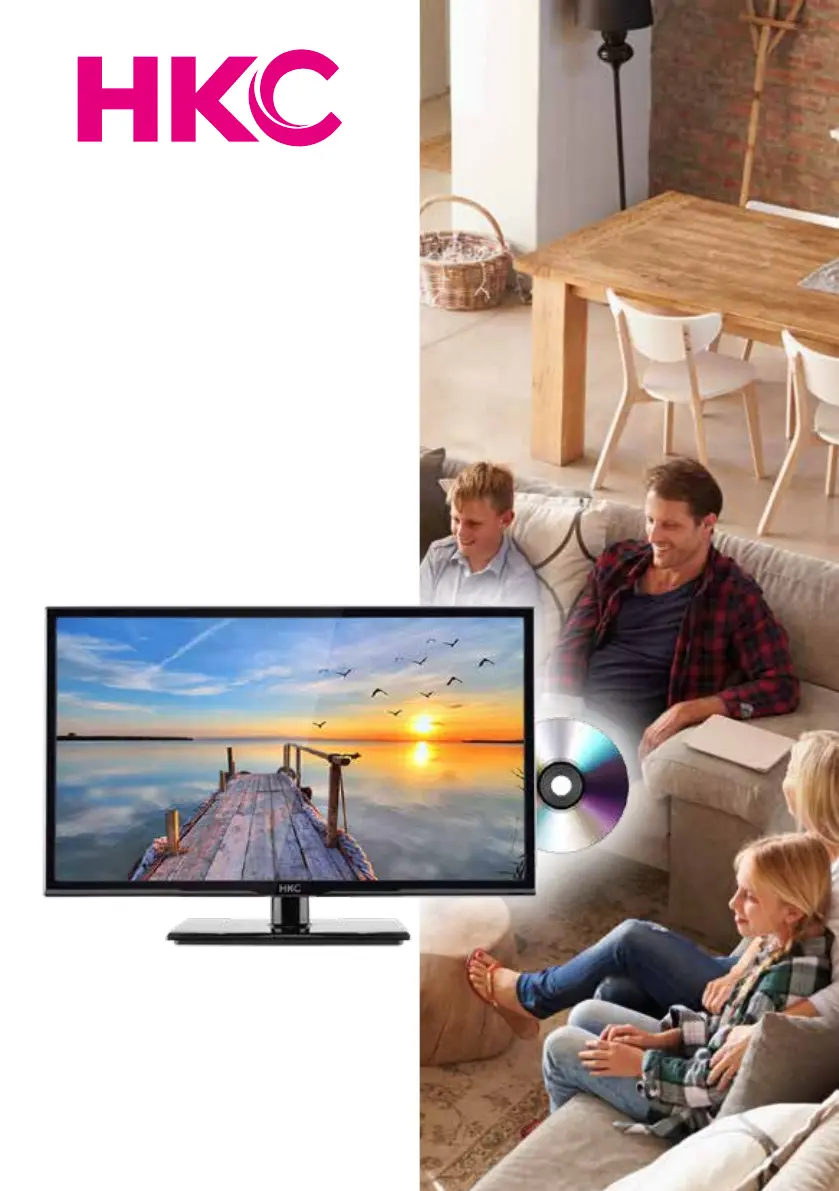
HKC 24C2NBD
45 pages
Print Icon
To Next Page IconTo Next Page
Loading...
User Manual
HKC 24C2NBD

Questions and Answers

  • K
    kreevesAug 7, 2025
    What to do if my HKC 24C2NBD LED TV has no picture and no sound?
    • J
      Joseph BrownAug 7, 2025
      If your HKC LED TV shows no picture and no sound, first verify the cable connections between the TV and any external devices or antenna. Then, ensure the TV is powered on by pressing the power button on the remote. Finally, select the correct source by pressing the SOURCE button on the remote and using the ?? button to choose the TV source.
  • N
    Nicholas PetersenAug 11, 2025
    How to fix an HKC LED TV that will not turn on?
    • J
      Jill RamirezAug 11, 2025
      If your HKC LED TV won't turn on, ensure the power cord is securely plugged into the outlet. Also, check the remote control batteries and replace them if they are drained.
  • M
    Megan McdonaldAug 15, 2025
    Why is there audio noise coming from my HKC 24C2NBD LED TV?
    • J
      Joy SteeleAug 15, 2025
      If you are experiencing audio noise with your HKC LED TV, first, check that all cables are properly connected. If the issue persists, try moving any infrared equipment away from the TV.
  • J
    Jeffrey SmithAug 19, 2025
    How to improve poor picture quality on HKC LED TV?
    • K
      katie46Sep 12, 2025
      If the picture quality on your HKC LED TV is poor but the sound is okay, check the cable connections between the TV and the antenna or any external AV devices. If the connections are fine, try switching to another channel as the broadcast may have issues. You can also adjust the brightness and contrast in the Video menu and ensure the unit is set to PAL.
  • S
    Sharon BrooksAug 25, 2025
    What to do if there is no audio on my HKC 24C2NBD?
    • G
      Gloria CamachoAug 25, 2025
      If you are not getting any audio from your HKC LED TV, make sure that the volume is not turned off or set to the minimum level.
  • C
    Crystal PriceAug 28, 2025
    Why won't my HKC 24C2NBD LED TV display files from my USB device?
    • W
      Wendy MarquezAug 28, 2025
      If your HKC LED TV is not displaying photos, videos, or music from a USB device, verify that the USB storage device is a mass storage device, as described in its documentation. Also, confirm that the USB storage device is compatible with the TV and that the audio and image file formats are supported.
  • T
    Timothy DavidsonSep 1, 2025
    Why are USB files played jerkily on my HKC 24C2NBD LED TV?
    • J
      Jose MejiaSep 1, 2025
      The jerky playback of USB files on your HKC LED TV can be caused by the speed of your USB storage device, which affects the data transfer rate to the TV, preventing smooth image and sound display.

HKC 24C2NBD Specifications

General IconGeneral
Screen Size24 inches
Display TypeLED
Response Time5ms
Aspect Ratio16:9
Sound Output2 x 3W
ConnectivityHDMI, VGA, USB
Input Ports1x HDMI, 1x VGA, 1x USB

Related product manuals