The vacuum pressure is not enough. User
could re-attach cleaning cloth onto device
again, or change a new cleaning cloth.
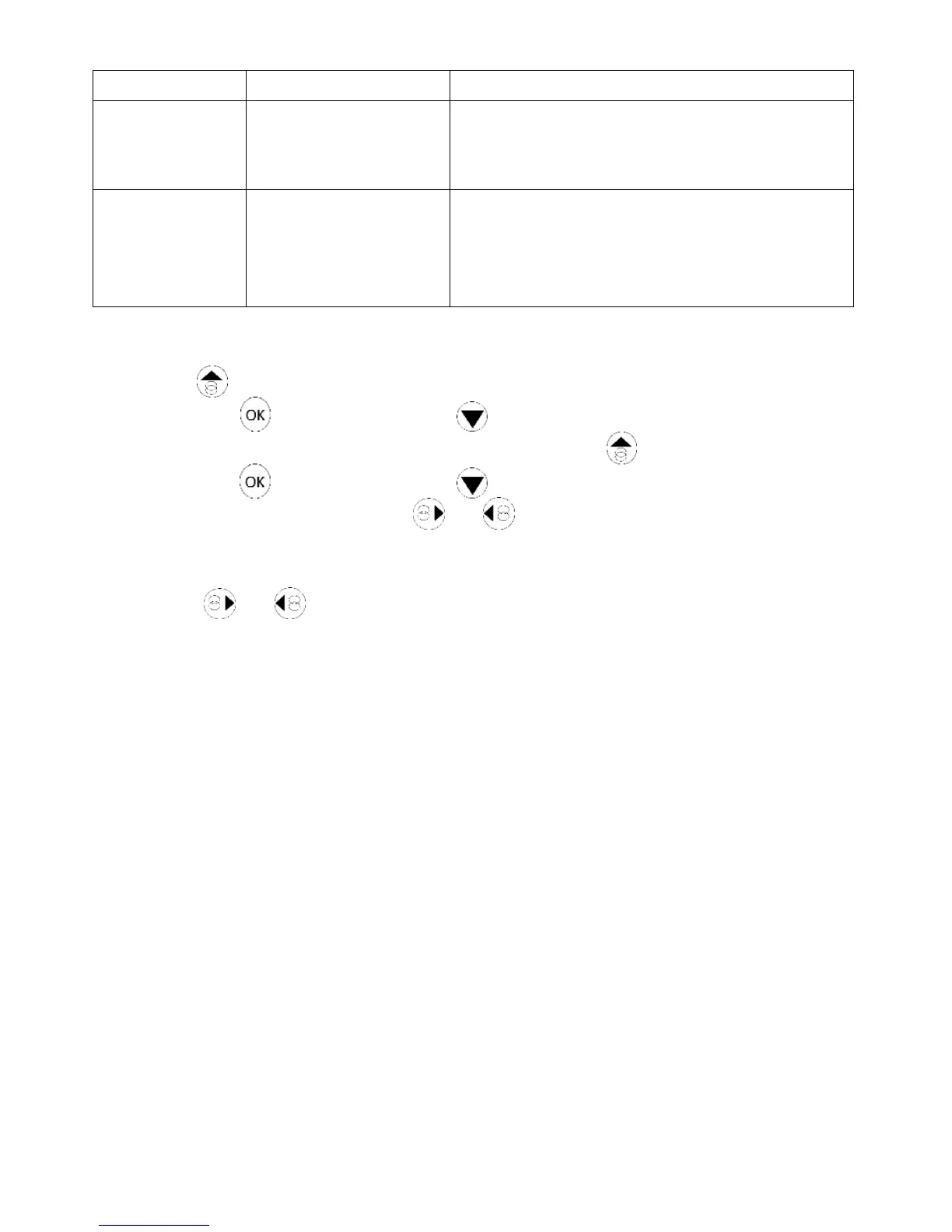
Q4: The HOBOT slips and cannot detect the upper frame of window in “Auto Up then
Down”( ) mode.
Ans: (1) Press to stop, switch to manual mode to lower the half of the
device and then switch to “Auto Up then Down”( ) mode again.
or, (2) Press to stop, switch to manual mode to lower the half of the
device and then switch to or auto mode.
Q5: HOBOT cannot finish cleaning the whole window and stops in the middle area.
Ans: Press
or
auto mode to continue cleaning.
Q6: HOBOT slips and can not climb up to the window frame.
Ans: (1) The cleaning cloth already got heavy dirt or too wet. It shall change cleaning
cloth.
(2) The caterpillar belt might be too wet or got heavy dust. It shall clean
caterpillar belt.
Q7: HOBOT does not move smoothly, or it moves irregularly.
Ans: (1) Cleaning cloth is too dirty. Please change out the cleaning cloth for a clean
one.
(2) Do not spray too much water on glass or cleaning cloth.
(3) Glass surface has different friction factor areas due to glass stickers, window
film, and so on. Please limit use the HOBOT to certain areas of the window.
Q8: What to do if HOBOT stops due to a power outage?
Ans: (1) User can pull HOBOT back with safety rope. Gently pull the safety rope at an
angle close to the glass to prevent it from falling off the glass.
(2) Switch the power switch to “off”.
(3) Check whether there is a poor connection or broken cord.


 To Next Page