- 20 - SmartBot HOBOT – www.hobot.es
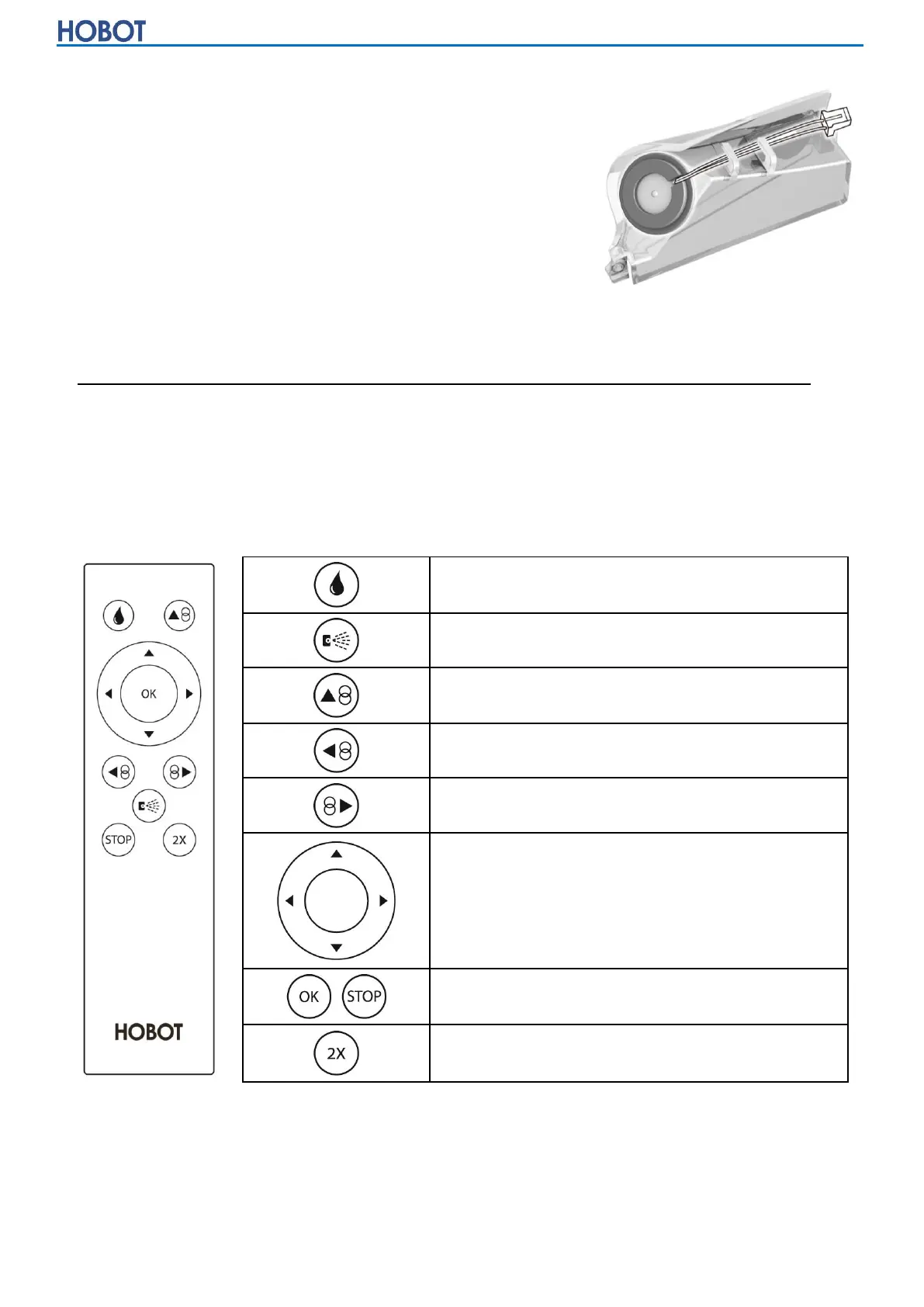
water tank, make sure the connecting cable is aligned to near the side of the
water tank, then fit the bottom of the silicone ring
to the water tank.
(7) Press the silicone ring to secure it, then use
another finger push the top of silicone ring into
the water tank lightly.
(8) Please check if the new ultrasonic spray nozzle
fits the water tank tightly.
(9) Connect the new water tank to HOBOT and slide the tank back, then fasten the
screw.
Care Frequency: When ultrasonic nozzle is clogged and cannot spray water.
Please contact a local retailer or local authorized dealer for additional
consumable spare parts.
◎Remote Control and App Control
HOBOT can be remote controlled from the front and back sides.


 To Next Page