- 21 - SmartBot HOBOT – www.hobot.es
◎App Instructions
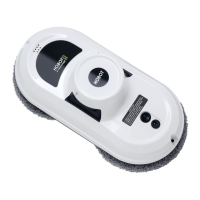
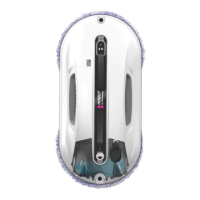
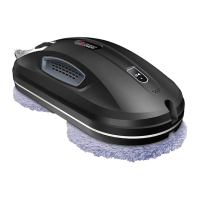
HOBOT-388 can be controlled by both the equipped remote control and HOBOT
App via Bluetooth.
1. Download and Install HOBOT App
Scan QR code or search “HOBOT” on the App Store or
Google Play to download HOBOT app on your
smartphone or tablet.
2. Start Cleaning with HOBOT App
(3) Turn on Bluetooth and tap open HOBOT App.
(4) Turn on HOBOT and wait for “Connected” shown on HOBOT App.
◎
LED Indication
White and blue light
flashing
Low UPS battery, please refer to
FAQ Q1 to resolve.
Cleaning without water spray.
Cleaning with water spray.
One long and
two short beeps
Air leakage, HOBOT will reverse.
Red and blue light
flashing
Power disrupted, please reconnect
to the power source. In case there's
power outage or unable to
re-establish the power source,
please refer to FAQ Q2 to resolve.
Please refer to FAQ Q3 to resolve.
Please refer to FAQ Q7 and Q8 to
resolve.
Hardware failure. Please contact a
local retailer or an authorized dealer
for repairs.
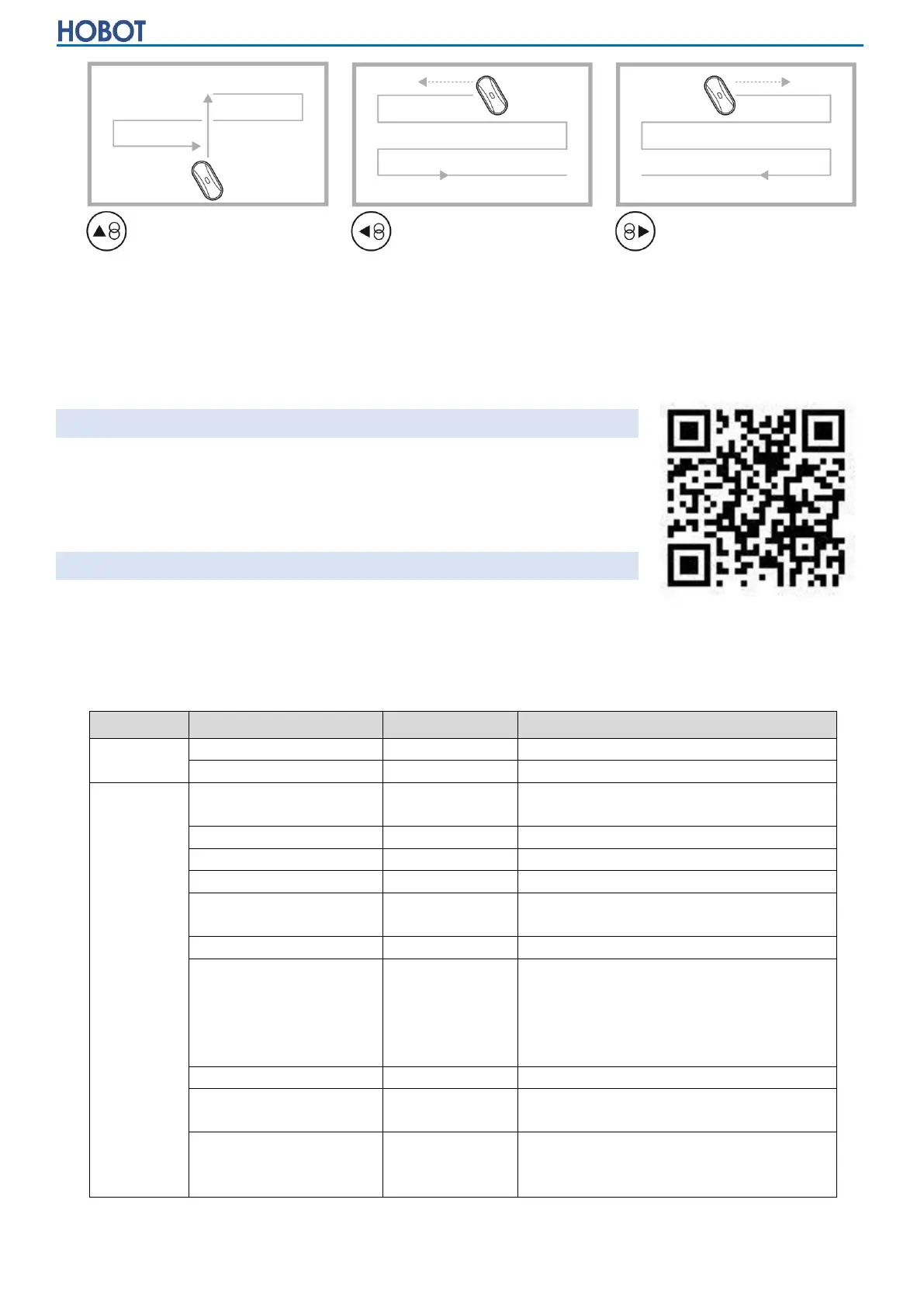
Auto Cleaning: up then down
Auto Cleaning: left then down
Auto Cleaning: right then down


 To Next Page