19
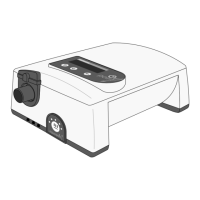
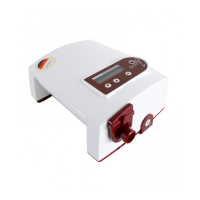
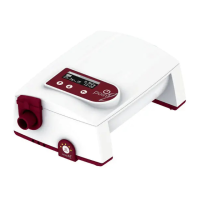
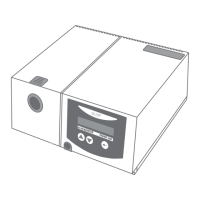
Respiration Therapy Device TREND 300
For programming the functions of TREND 300
three keys are available:
= Input key
= Program key
= Program key
By holding the INPUT key pressed, you reach
the input mode after 1 second, and then
you see the menu of TREND 300 in the display.
The following 2 different kinds of menu can
be activated:
Standard-Menu Complete-Menu
WAKE TIME ........04:45 WAKE TIME .......04:45
TIME ........................ 16:24 TIME ..........................16:24
DATE ................. 12.11.02 DATE ....................12.11.02
EXIT MENU RAMP................0s/0min
AUTOMATIC...........OFF
(1)
I-SET.......... ......12,0hPa
(PIN-protected)
(2)
E-SET....... 8,0hPa
(PIN-protected)
(3)
I-SLOPE.......... 0,5s
(PIN-protected)
(4)
E-SLOPE........0,5s
(PIN-protected)
TRIGGER ................ 3
MODE............BILEV-S
BRIGHTNESS ...100%
OPERATION......01937h
EXIT MENU!
The display always shows two lines. With the keys
and you can choose which lines are to be indica-
ted. A triangle symbol in front of a line means that this
line has been chosen.
Hints for (1) to (4):
T
he display first indicates the menu line (1). After adjust-
ment of I-Pressure the lines (2) to (4) will be indicated step
by step and can be set by the doctor.
Example: Setting alarm clock
Press key for 1 second. Display indicates:
WAKE TIME.......... 04:45
EXIT MENU!
After pressing key again the hour of the alarm time is
flashing and can be changed by the keys and .
Press key again for changing alarm minute according
to same procedure. To come back to the menu press
the key again. For leaving the menu select point
"
EXIT MENU!
":
Functions of TREND 300
NOTE:
If you prefer instead of
the standard-menu the
complete-menu (or
reverse) contact your
dealer please.


 To Next Page