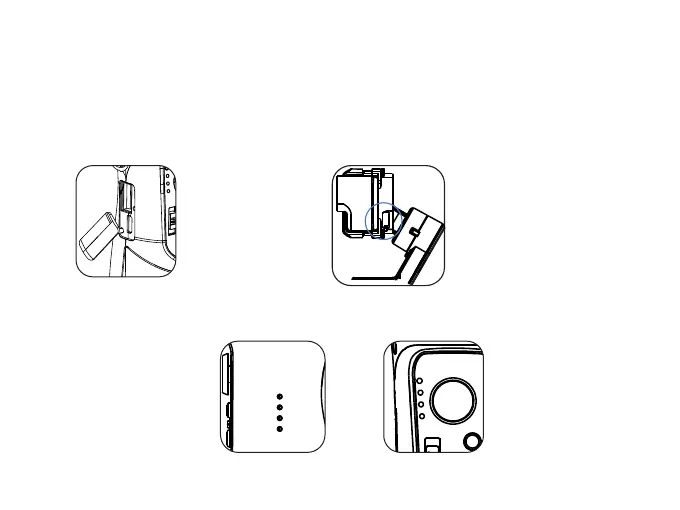
* Mini USB DC out Port:Actioncam charging port
Gimbal Charging
Charge the gimbal fully before using it for the first time.
* USB Port: Power bank output
* Micro USB Por t: Gimbal charging por t
(It can be enabled
in the App Setting
-Camera options
-Charging Function)
* Tap the power button to check the battery status
* Indicator Lights blink:
Charging in process
* 4 LED light on: Fully charged
4 LED lights on: 100%
3 LED lights on: 75%
2 LED lights on: 50%
1 LED light on: 25%
05
Low battery warning:
Mode light blinks back
and forth



 To Next Page