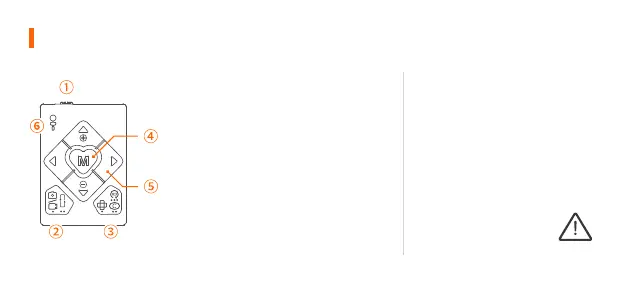
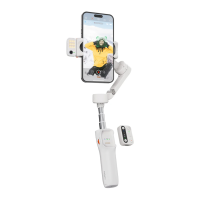
Remote Control
① Power Button
ON: Power On OFF: Power Off
② Shutter Button
(Make sure the app connect to the gimbal
successful)
Single Press: Take photo, Start/End video
Double Press: Switch the photo and video
modes
Triple Press: Switch the front and rear
cameras(Only available in the app)
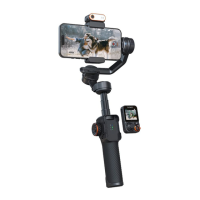
Pairing the remote control with the
gimbal:
Please press the function button of
the gimbal 7 times once the gimbal is
turned on, the bluetooth light will
flash alternatly in yellow and green
and enter the pairing mode.
Make sure the gimbal
is on the pairing mode
before turning on the
remote control to
connect.



 To Next Page