1
1
2 3
USER MANUAL
PR90 / PR90H
1
www.encoderhohner.com +34 972 160 017 info@encoderhohner.com
Troubleshooting
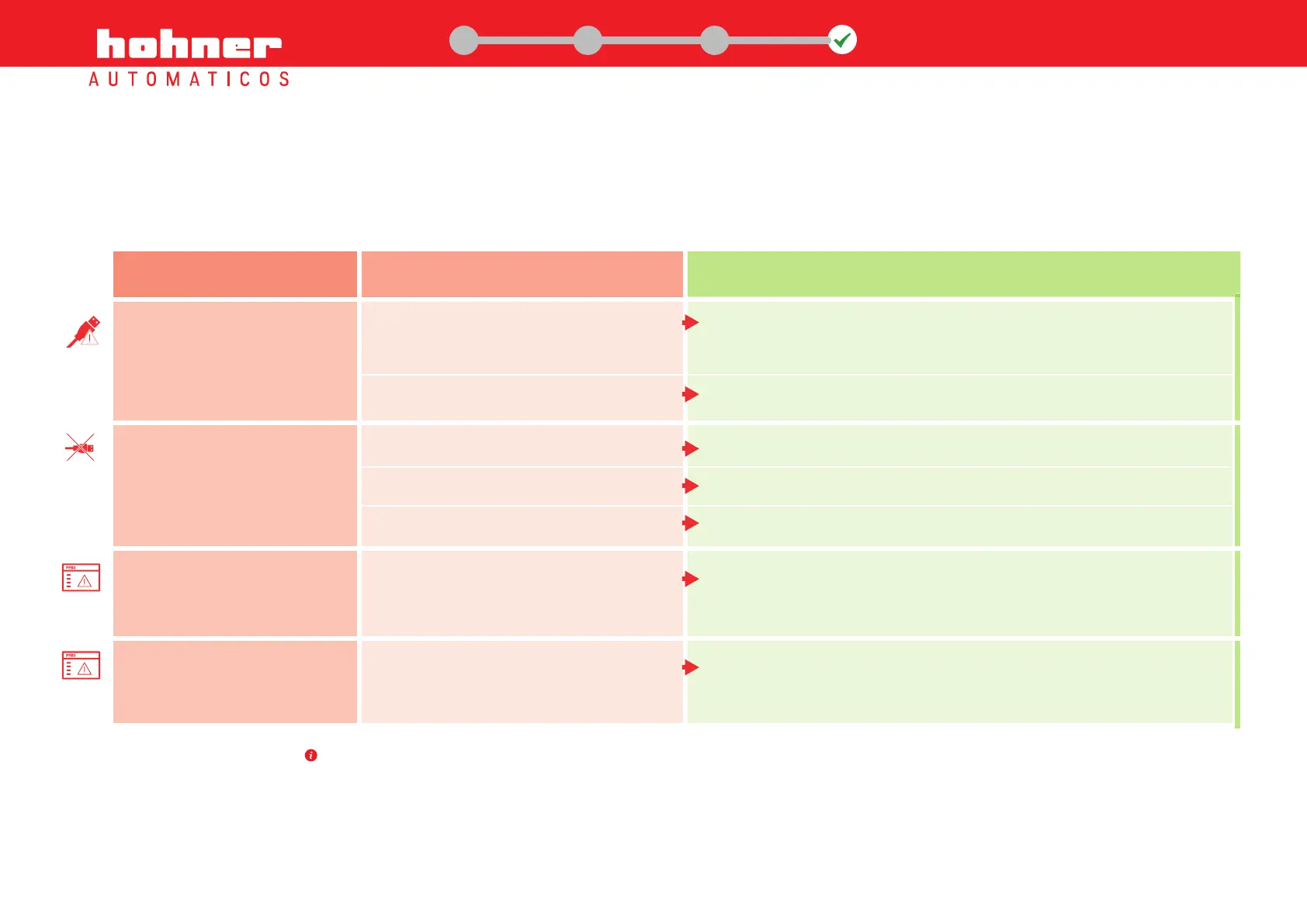
The PR90/PR90H does not
communicate with the PC
Computer needs the installation of USB Drivers
Your computer belongs to a Windows Domain
Unstable cable connection
Operating System Collapse
uUSB-USB cable is broken
Fail connection between the programming
software and the encoder
Wrong selection of output type (TTL - HTL) in
PR90 programmation interface
Connect the computer to internet to install USB drivers automatically.
Older versions of Windows could need a manual installation of USB drivers. Available
at http://www.encoderhohner.com/pr90
The Domain Administrator must give to computer user administration rights.
Reconnect the cable until your OS recognizes it and restard the interface.
Restart the OS and the PR90 interface.
Replace the cable.
1. Close the programming software
2. Disconnect the uUSB/USB cable, and connect it again.
3. Run the programming software and connect it with the encoder.
Review and choose the rigth programmed output type.
Problem
Cause Solution
The communications port is
not listed in the programming
interface
Error “Could not write to port”
PLC/driver error message
During Power-Off programming the encoder can show a flashing red led. It doesn’t mean a wrong connection or programming error.


 To Next Page