EN-14
Peorming Group Settings via a
Computer
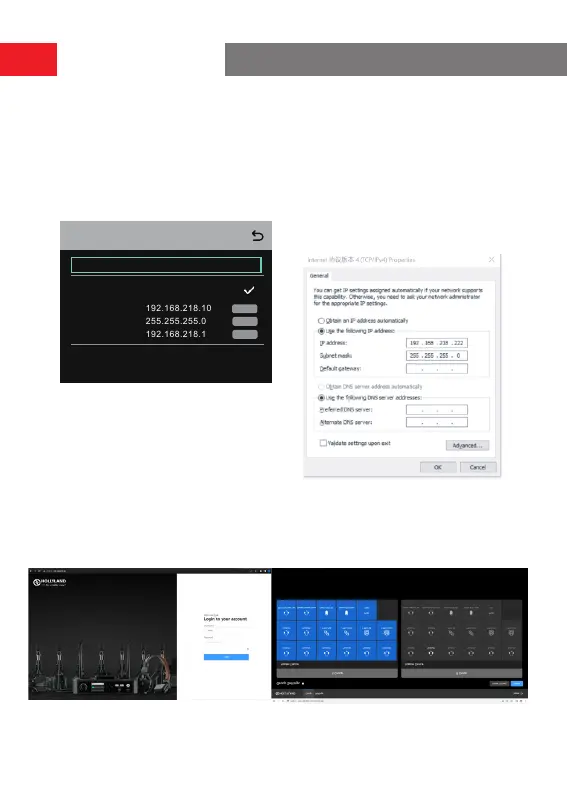
• Select
Network
>
Wired Network
Setting
to view the default IP ad-
dress, user name, and password of
the hub.
admin
12345678
User Name:
Password:
Modify
Wired Network Setting
ON
OFF
Gateway:
Modify
Modify
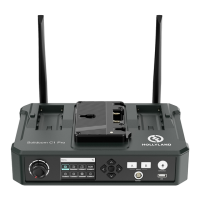
• Use a network cable to connect
the hub to a computer via the RJ45
inteace and set the IP address of
the computer as
192.168.218.XXX.
The default IP address of the hub is
192.168.218.10.
• Open a browser on the computer and visit
http://192.168.218.10
to enter the
conguration page for the hub.
Operation Guide



 To Next Page