EN-15
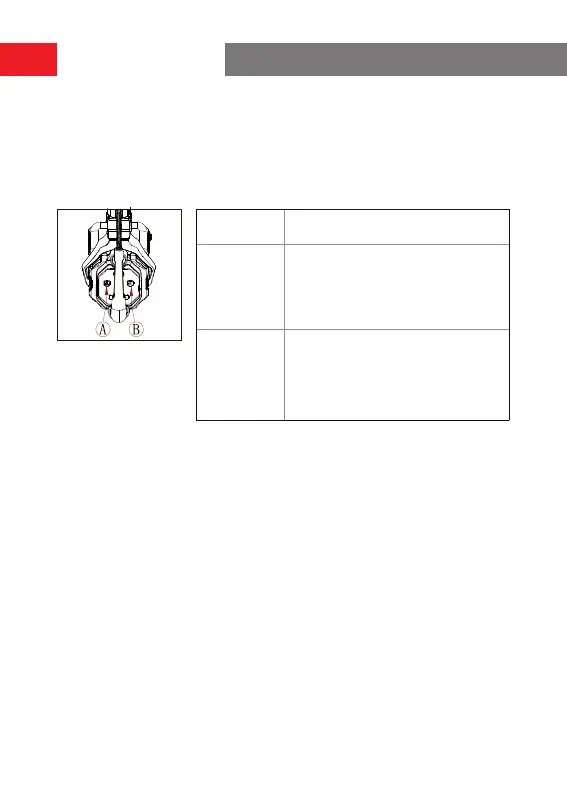
Group A & B Buttons on Headsets
After group settings are peormed on the hub, the A or B button on a connected
headset will light ON. The button light status indicates which group the headset has
joined. To join or exit group A or B, simply press the A or B button on the headset.
A & B Button
Light Status
Description
ON in orange
The headset user is in the
corresponding group. In this case, the
headset user can hear and talk with
the other headset users in the group.
OFF
The headset user is not in the
corresponding group. In this case, the
headset user cannot hear or talk with
the other headset users in the group.
Operation Guide


 To Next Page