EN-8
2.2 Select
Remote Device
and then select
Scan
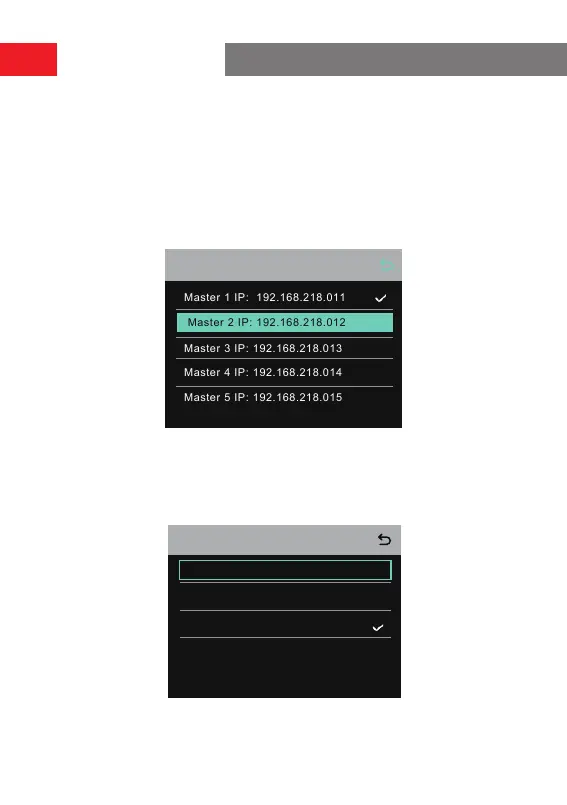
to scan the IP addresses of master
devices on the network. Select the IP address of the corresponding master
device in the displayed list and conrm it. Then, the hub is successfully set as the
remote device.
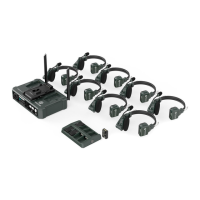
• When a single hub is used, the hub needs to be set as the master device.
• When more than two hubs are used in a cascaded connection, one hub
needs to be set as the master device and the other hubs as the remote
devices.
Master 1 IP: 192.168.218.011
Master 3 IP: 192.168.218.013
Master 4 IP: 192.168.218.014
Master 5 IP: 192.168.218.015
Master 2 IP: 192.168.218.012
Master-Remote Device
3. Select
Group
to peorm group settings and view group status.
3.1 There are three options:
A group
(All devices are in group A),
AB group
(All
devices are in groups A and B), and
Customize
(The group settings can be cus-
tomized on the web. All devices are in group A by default).
Group Presets
A group
AB group
Customize
Operation Guide


 To Next Page