EN-7
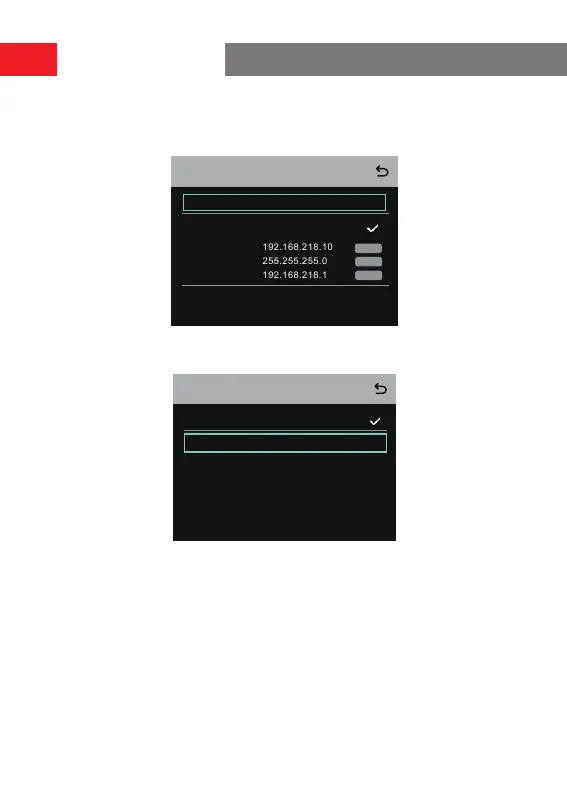
1.2 Select
Wired Network Setting
to turn DHCP ON or OFF. If it is turned OFF, you
can also modify the IP address, subnet mask, and gateway as well as view the
user name and password for logging in to the web.
admin
12345678
User Name:
Password:
IP Address:
Subnet Mask:
Modify
Wired Network Setting
ON
OFF
Gateway:
Modify
Modify
2. Select
M & R
to set the hub as the master device or remote device.
2.1 Select
Master Device
to set the hub as the master device.
Master And Remote
Remote Device
Master Device
Operation Guide



 To Next Page