EasyManua.ls Logo

Holystone HS100 - User Manual

Holystone HS100
35 pages
Print Icon
To Next Page IconTo Next Page
Loading...
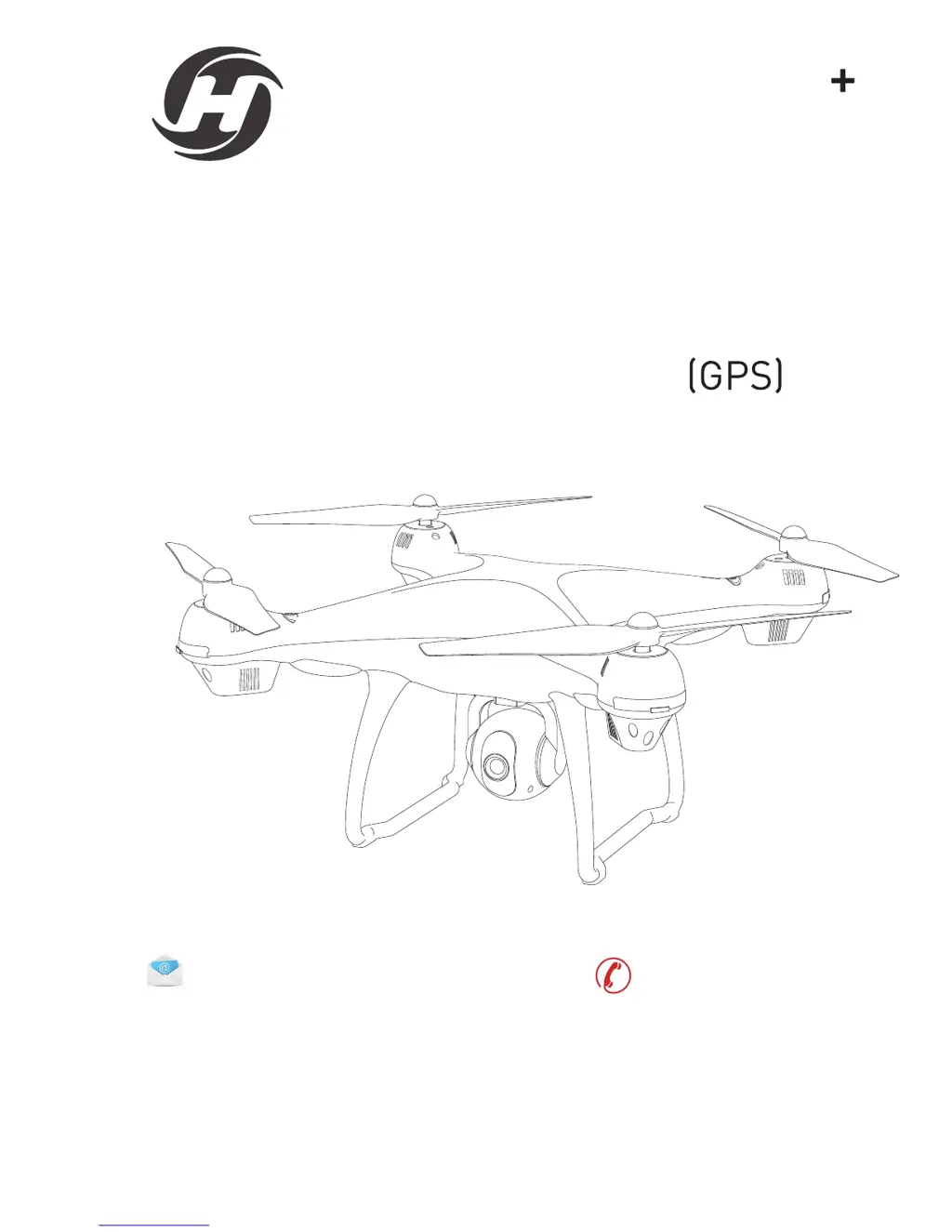
INSTRUCTIONS FOR USE
HS100
usa@holystone.com (America)
ca@holystone.com (Canada)
www.holystone.com
eu@holystone.com (Europe)
jp@holystone.com (Japan)
16age
+1(855) 888-6699
Navigator

Questions and Answers

  • N
    nicole94Jul 27, 2025
    What to do if my Holystone Quadcopter drone flashes and doesn't respond to the transmitter?
    • M
      Michelle CollinsJul 27, 2025
      If your Holystone Quadcopter drone flashes and doesn't respond to the transmitter, it could be due to a couple of reasons. First, the transmitter might not be synced with the drone; in this case, you should re-sync the drone. Secondly, the battery power might be insufficient, so try recharging the battery.
  • H
    henrycollinsAug 2, 2025
    Why won't my Holystone Quadcopter take off even though the propellers are spinning?
    • K
      Kari SmithAug 2, 2025
      If your Holystone Quadcopter drone's propellers spin but it cannot take off, there are a few potential causes. It could be due to insufficient battery power, so try recharging the battery. Alternatively, the propellers might be installed in the wrong orientation, so ensure they are correctly installed. Finally, check if the propellers are distorted and replace them if necessary.
  • O
    ofisherAug 9, 2025
    What to do if Holystone Quadcopter is unstable after crashing?
    • T
      tonygilbertAug 9, 2025
      If your Holystone Quadcopter drone is unstable after crashing, it may be because the three-axis acceleration sensor has lost its balance. To resolve this, try restarting and re-calibrating the drone.
  • L
    Lindsey RangelAug 14, 2025
    Why can't my Holystone Quadcopter stay balanced in flight?
    • C
      Christopher HowardAug 14, 2025
      If your Holystone Quadcopter drone cannot stay balanced in flight, it might be due to a couple of reasons. The propellers could be distorted, in which case you should replace them. Alternatively, the motor might not be working properly, and you may need to replace it.
  • S
    Samantha IngramAug 20, 2025
    How to fix a Holystone Quadcopter that shakes heavily?
    • S
      Sierra BrownAug 20, 2025
      If your Holystone Quadcopter drone shakes heavily, it is likely that the propellers are distorted. You should replace the propellers to resolve this issue.

Summary

Preface and Safety Introduction

Safety Guidelines

Essential rules and recommendations for safe drone operation and handling.

Operational Warnings

Key Safety Warnings

Critical safety precautions and potential hazards to avoid during operation.

Drone Maintenance

Propeller Assembly

Propeller Guard Installation

Safe Flight Practices

Flight Safety Guidelines

Recommendations for safe flight practices, including environmental and operational considerations.

Transmitter Functions

Transmitter Controls Overview

Explanation of all controls and buttons on the drone's remote transmitter.

Transmitter Functions (Continued)

Advanced Transmitter Controls

Flight Safety Procedures

Safe Flying Rules

Key principles for flying the drone safely, including distance and altitude.

Flight Operations Setup

APP Download and Battery Check

Guide to downloading the companion app and checking the drone's battery level.

Flight Calibration and Modes

Safe to Fly (GPS) Mode Settings

Details the default beginner mode with flight limitations and app adjustments.

Flight Calibration

Gyroscope Calibration Procedure

Procedure to recalibrate the drone's gyroscope for stable flight.

Compass Calibration Procedure

Step-by-step process for calibrating the drone's compass for accurate navigation.

GPS and Application Usage

GPS Searching and Mode

Guide on establishing GPS connection and using the GPS mode.

GPS Searching and App Connectivity

Application Functions

Take-off, Landing, and Emergency Stop

Take-off and Landing Procedures

Instructions for safely taking off and landing the drone.

Follow Me Mode Operation

Return-to-Home (RTH) Function

Headless Mode Operation

Camera Assembly

Camera Functions

Specifications

Specifications (Continued)

Troubleshooting Common Problems

Problem and Solution Guide

Troubleshooting guide for common issues encountered during drone operation.

Holystone HS100 Specifications

General IconGeneral
Flight Time15 minutes
Control Range500m
GPSYes
Follow Me ModeYes
Headless ModeYes
One Key Takeoff/LandingYes
Altitude HoldYes
Camera1080p HD
Battery7.4V Li-Po
Charging Time3 hours

Related product manuals