Replace the Landing Gear
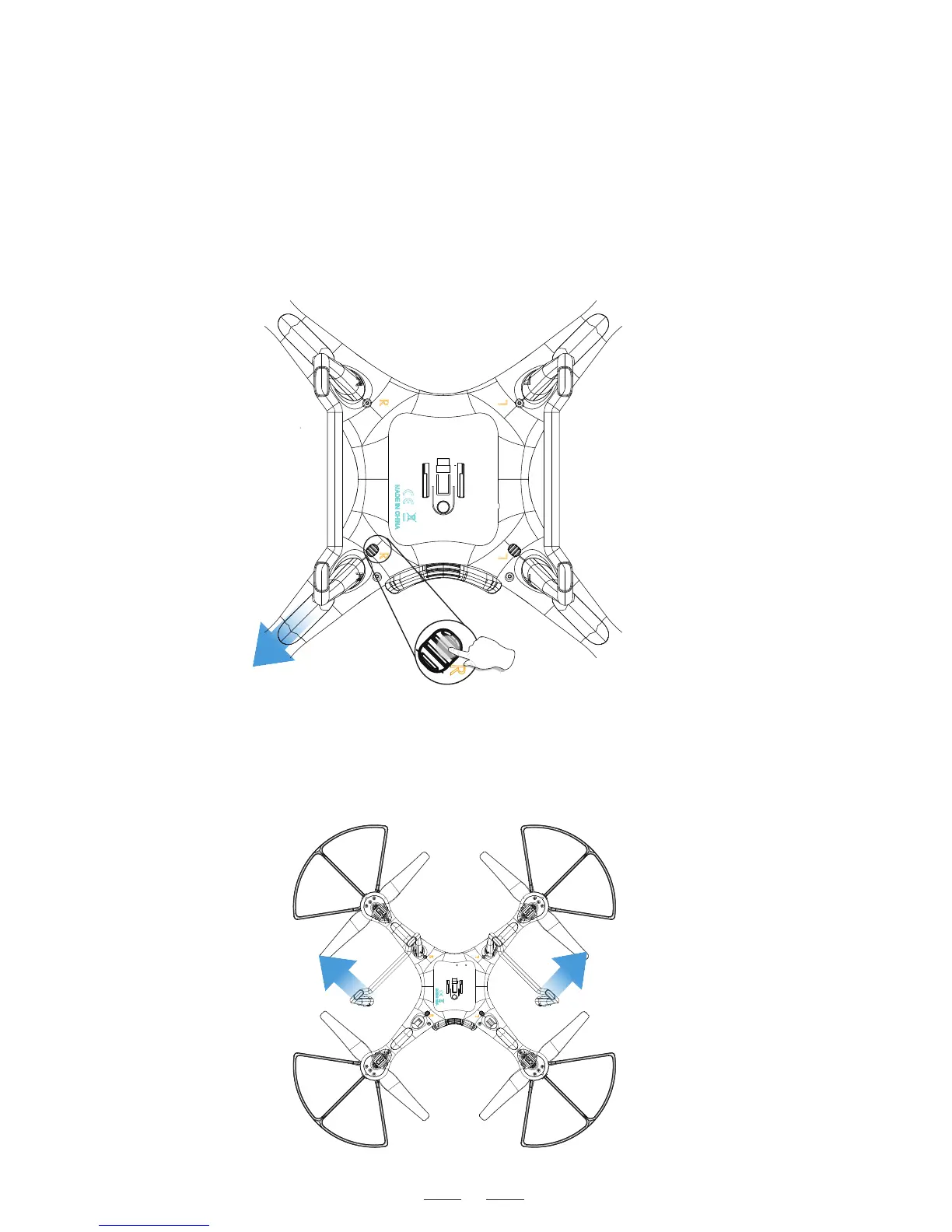
1)Letter “L” and “R” is printed on each side of landing gear shell.
“L” is the mark of left landing gear as “R” is right landing gear.
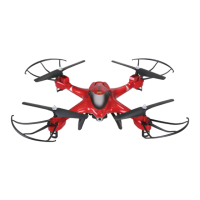
3)Rotate landing gears outside at angle of about 90 degrees to
take landing gear out.
2)There are two locks on the bottom; Press and hold down
the lock, and pull the lock-side landing gear out.
1st: Press
2nd: Pull
26



 To Next Page