18
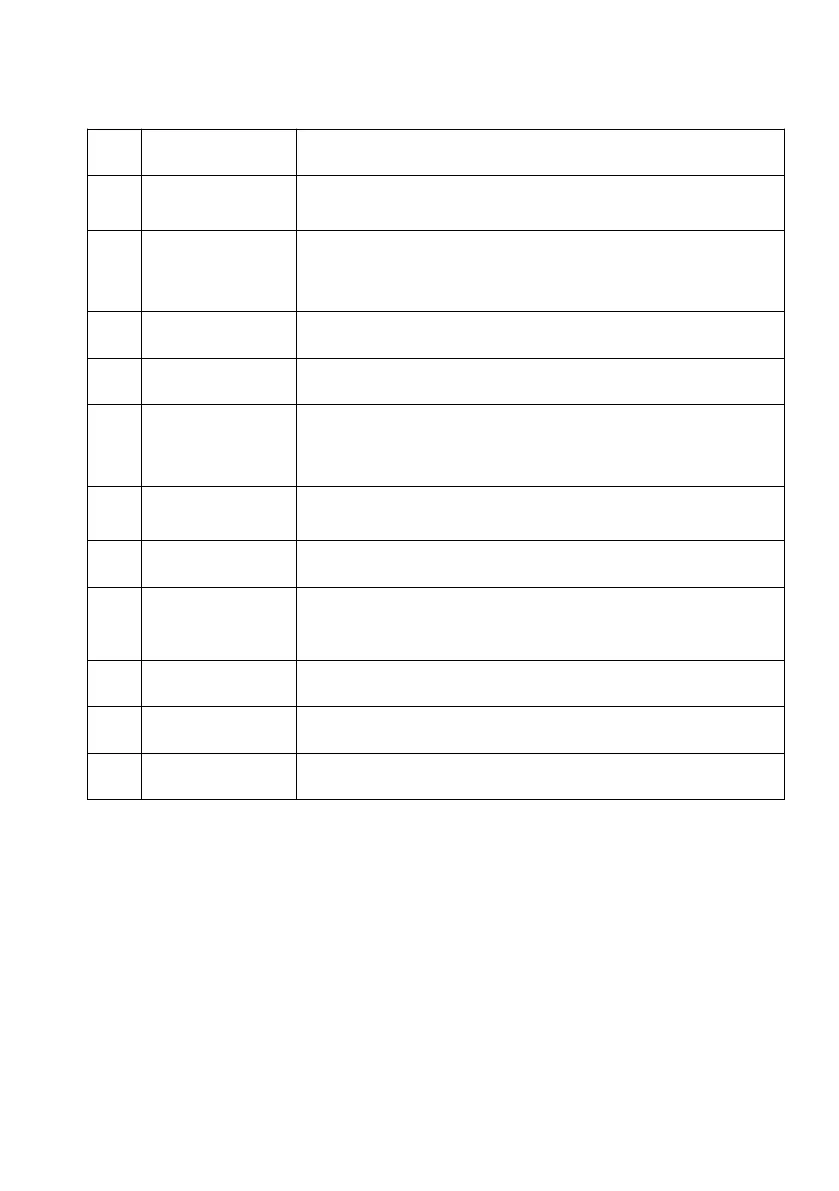
5.3 FUNCTION KEYS AND INDICATORS
Press to switch the machine on or off.
Mode button Press to switch the operation
mode between cool, heat, fan, auto and dry.
LED for 3 or 4 operation modes selecting by press
mode
button.
Decreasing the desired temperature or timer setting.
LED for fan speed (high & low)
Sets a time for the unit to automatically start or
stop.
The range of timer adjustable is 1-24 hours.
Press to switch the fan speed between HIGH(green)
and LOW (green).
Displays timer setting and room temperature.
Increasing the desired temperature(16 ℃ ~32
℃) or timer setting.
Press to enter sleep mode.
Press to enter child lock.
To show wifi connection status.



 To Next Page