The pot and the ingredients are hot. Depending on the type of the ingredients in the
air fryer, steam may escape from the pot.
10. Use clips or tools to transfer food to a plate.
11. When a batch of ingredients is ready, the Hot-air fryer is instantly ready for preparing
another batch.
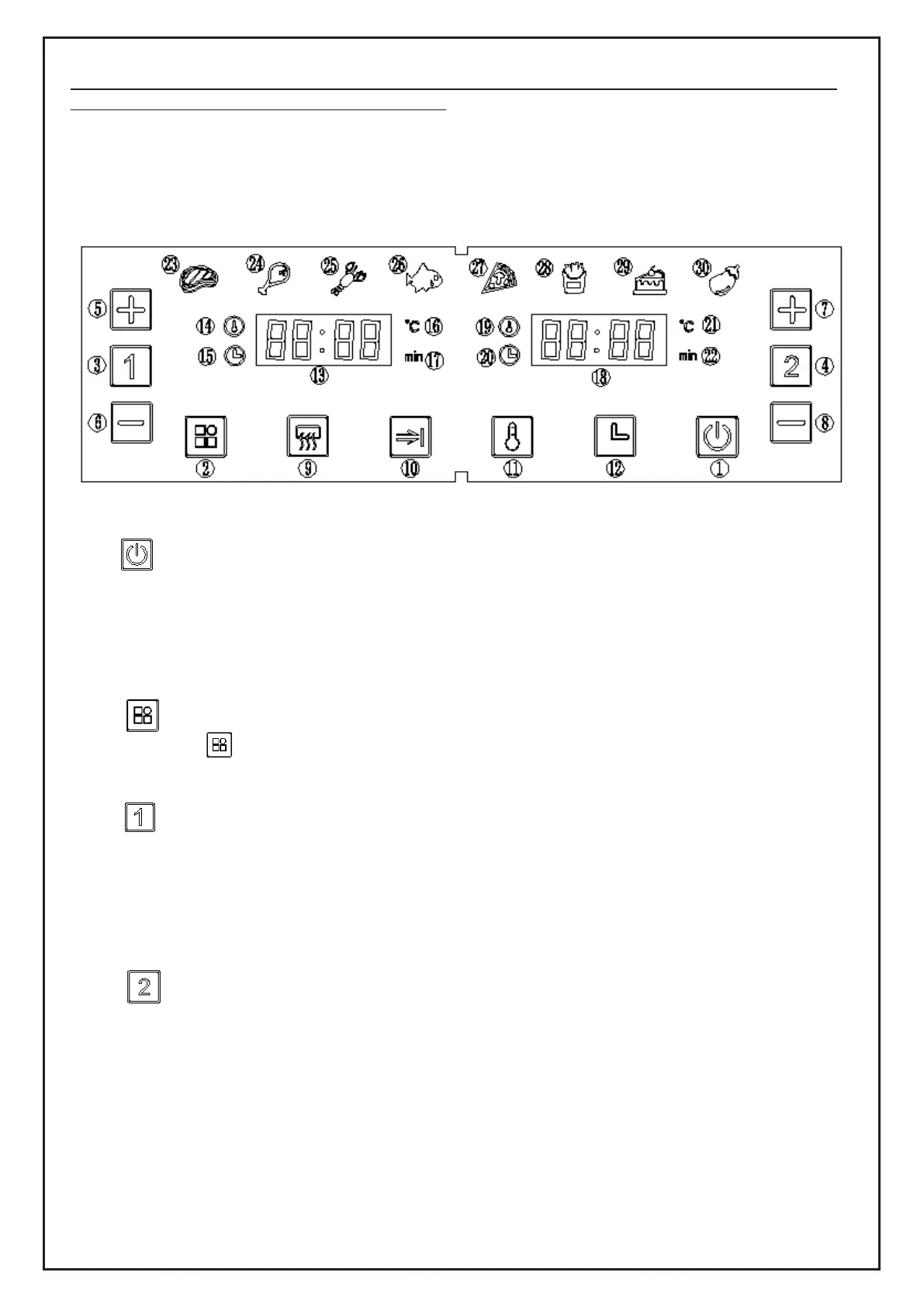
CONTROL PANEL INSTRUCTIONS
Icon resolution:
Key 1 –Power key
Once the pots are properly placed in the main housing, the power light will be illuminated.
Press the power key to enter the standby mode. After selecting a pot to use, press the
power key again to start cooking. To turn the appliance off, hold the power key for two
seconds.
Note: During cooking, you can touch the keys to control the pause and start of cooking.
Key 2 –Preset key
Selecting the “ ” Preset key lets you scroll through eight popular food choices, which
have predetermined times and temperatures. Once selected, cooking will begin.
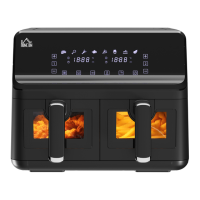
Key 3 –The left pot key
Press 1 for the left pot’s icon to light up. The default menu will be ‘STEAK’ and the indicator
will flash. Pot 1’s digital display tube will flash – it will also display the default temperature
and time for the STEAK. When the temperature is displayed, the time indicator (on the
lower left of the display) will always be on. Cancel the selection by holding 1 for two
seconds. The appliance will enter standby.
Key 4 –The right pot key
Press 2 for the right pot’s icon to light up. The default menu will be ‘steak’ and the indicator
will flash. Pot 2’s digital display will flash – it will also display the default temperature and
time for the STEAK. When the temperature is displayed, the temperature indicator (on the
upper left of the display) will always be on. When the time is displayed, the time indicator
(on the lower left of the display) will always be on. Cancel the selection by holding for two
seconds. The appliance will enter standby.


 To Next Page