EasyManua.ls Logo

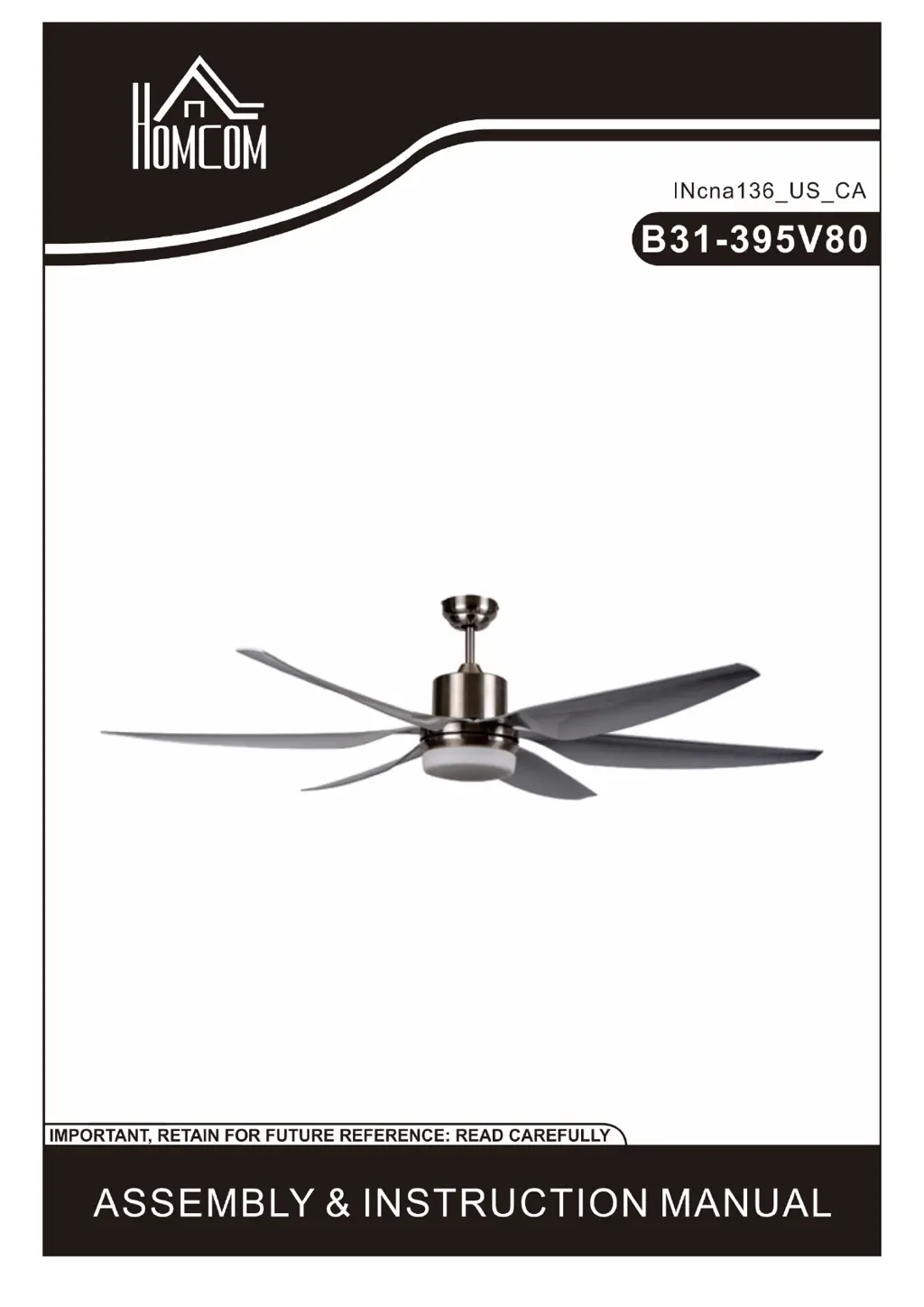
HOMCOM B31-395V80 - User Manual

HOMCOM B31-395V80
17 pages
Print Icon
To Next Page IconTo Next Page
Loading...

Questions and Answers

  • K
    klinepeterAug 6, 2025
    Why is my HOMCOM Fan wobbling?
    • R
      robbinsjoshuaAug 6, 2025
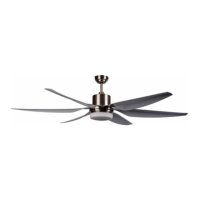
      If your HOMCOM Fan is wobbling, make sure all blade and blade arm screws are secure. Most wobble issues occur when blade levels are uneven. To check this, pick a spot on the ceiling above one blade tip and measure the distance. Repeat this for each blade, ensuring any deviation is within 1/8 inch. Run the fan for ten minutes. If the fan continues to wobble please contact Customer Service and a balancing kit will be sent to you at no charge.
  • P
    Phillip BlairAug 15, 2025
    How to reduce noise from my HOMCOM Fan?
    • J
      jonesmaryAug 15, 2025
      To reduce noise from your HOMCOM Fan, make sure all motor housing screws are snug and that the screws attaching the blade bracket to the motor hub are tight. Also, ensure wire nut connections aren't rattling against each other or the switch housing's interior wall. Allow a 24-hour “breaking in” period, as most noises disappear during this time. If you're using a light kit, tighten the screws securing the glassware and check that the light bulbs are also secure. Finally, ensure the canopy isn't touching the ceiling and that your outlet box is secure, with rubber isolator pads between the mounting plate and outlet box.
  • K
    keithstevenAug 26, 2025
    What to do if my HOMCOM Fan will not start?
    • J
      Joel RiveraAug 26, 2025
      If your HOMCOM Fan won't start, check the main and branch circuit fuses or breakers. Also, inspect the line wire connections to the fan and switch wire connections in the switch housing.

Summary

General Safety Precautions

Installation Preparation

Important Safety Precautions

Ensures success of installation by reading instructions and checking parts for completeness before starting.

Tools Required

Lists necessary tools for the assembly and installation process of the ceiling fan.

Remote Control Operation

Maintenance and Troubleshooting

Fan Will Not Start

Troubleshoot issues where the fan fails to power on, checking fuses, breakers, and wire connections.

Fan Is Noisy

Address fan noise by checking screw tightness, wire nut connections, and allowing a break-in period.

Fan Wobbles

Resolve fan wobble by ensuring blade/arm screws are secure and blade levels are uniform.

HOMCOM B31-395V80 Specifications

General IconGeneral
ModelB31-395V80
CategoryFan
Voltage220-240V
Frequency50Hz
Speed Settings3
Number of speeds3
OscillationYes
Tilt AdjustmentNo
MaterialPlastic
ColorBlack
Remote ControlYes

Related product manuals