9
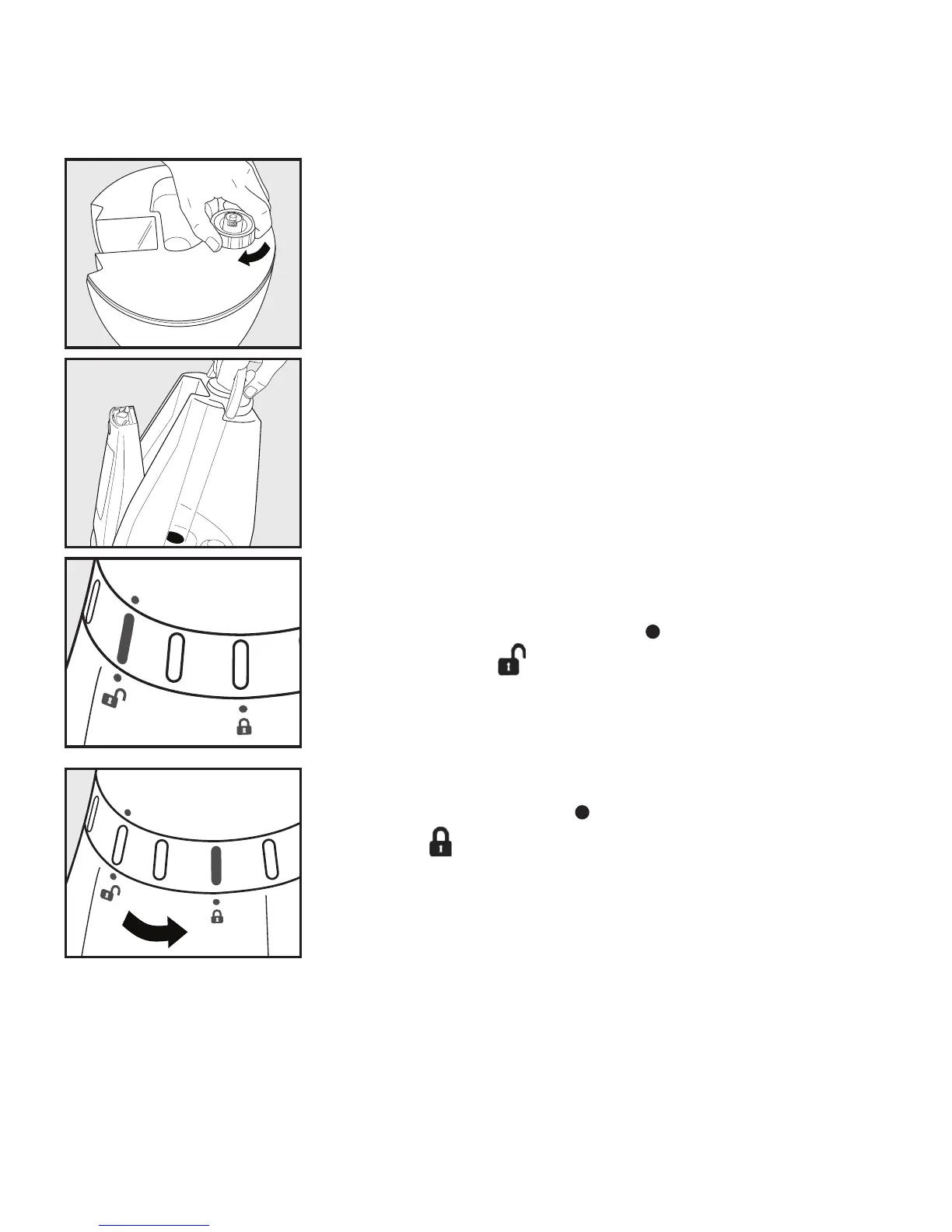
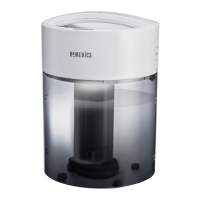
5. Replace the tank cap by turning clockwise until tight.
6. Install the tank back on the base of the unit. Make
sure the tank is firmly seated.
7. Place the oscillating nozzle back on the unit making
sure that the locator icons on the head and ring are
aligned with the locator icon ( ) on the base above
the UNLOCK ( ) icon.
8. Lock into place by turning the ring to the right
until the Locator icon ( ) is aligned with the
LOCK ( ) position.
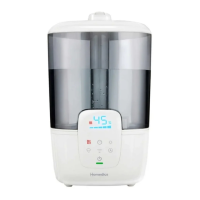
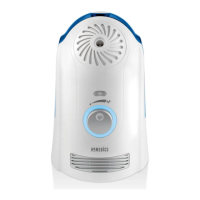
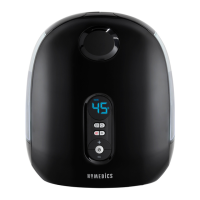
Fig.8
Fig.9
Fig.10a
Fig.10b


 To Next Page