Page 8 of 12
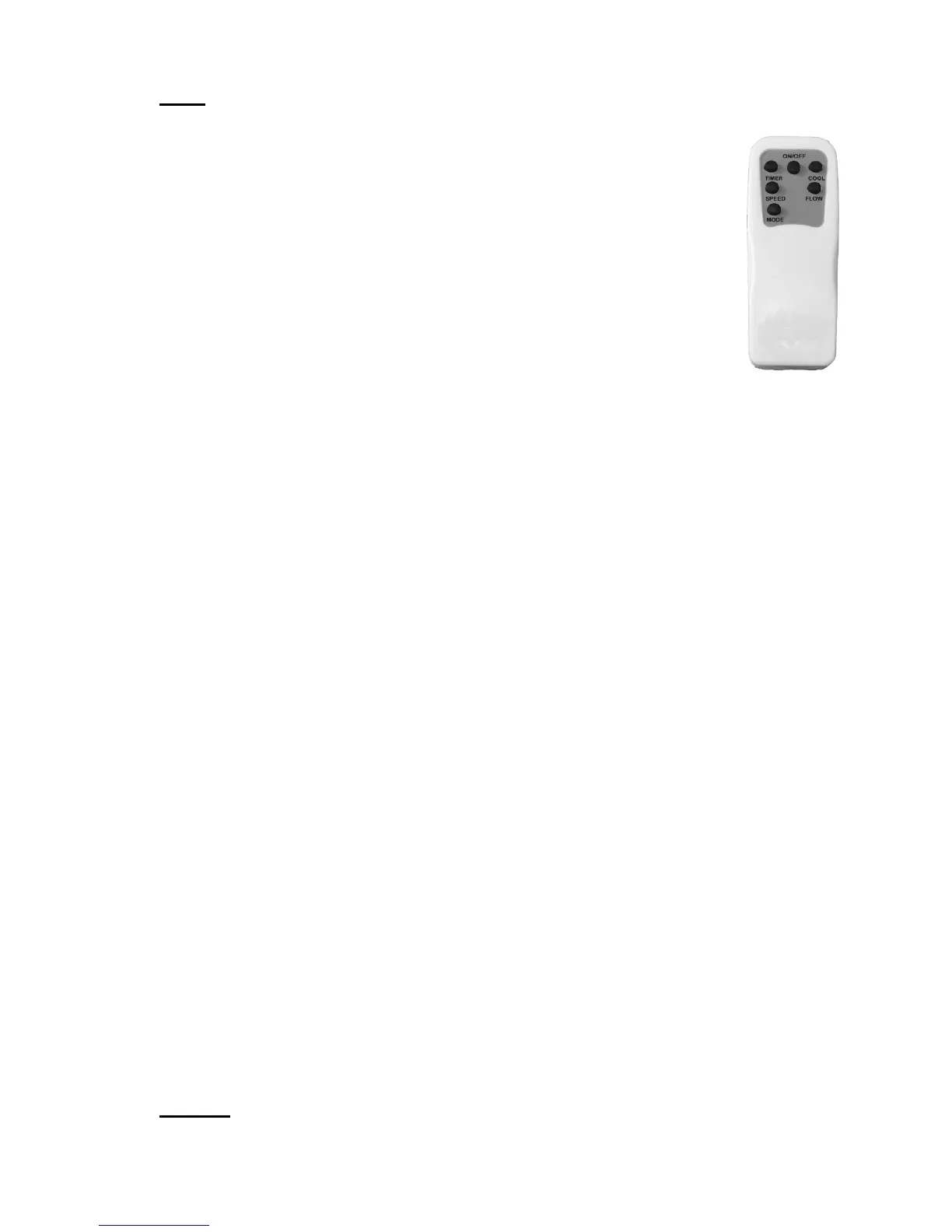
5.2 Remote Control
Note: 2 x AAA batteries are not included.
The Cooler comes with a remote control for your convenience.
The functions on the remote control are the same as the
buttons on the evaporative cooler.
To install the batteries, first remove the back of the remote
control by sliding the back battery cover off.
Insert the batteries inside the battery compartment matching
polarity icons with those in the battery compartment and then
refit the cover securely.
Battery Type: “1.5V 2 x AAA”
Do Not mix new and old batteries in the remote control.
To prevent corrosion, remove the batteries if the remote control will not be
used over a lengthy period.
6 Operation
6.1 ON/OFF
• Insert the power plug into an power point and switch on. The On/Off
indictor light will illuminate.
• Press the “ON/OFF” button on the control panel (or remote control).
The unit will start in the default “Low” Speed as indicated by the
indicator light and Normal Mode, or to the pre-programmed memory
setting.
Note: Only the fan will be running at this time. To Turn Off, press the
“ON/OFF” button again.
6.2 Memory
The Memory function will remember the settings last used when the
evaporative cooler is turned Off and will re-use the same settings when it is
switched on again providing the cooler is not unplugged in-between uses.
NOTE: Memory function is not available for Sleep mode and Timer Function.
6.3 Mode
Press the “Mode” button to select between, “Normal”, “Natural” and “Sleep”
fan wind patterns.
a. Normal: The “Normal” mode is just a constant wind speed and will only vary
speed if the speed is manually adjusted with the “Speed” button.


 To Next Page