Navigation System 95
System Setup
Color
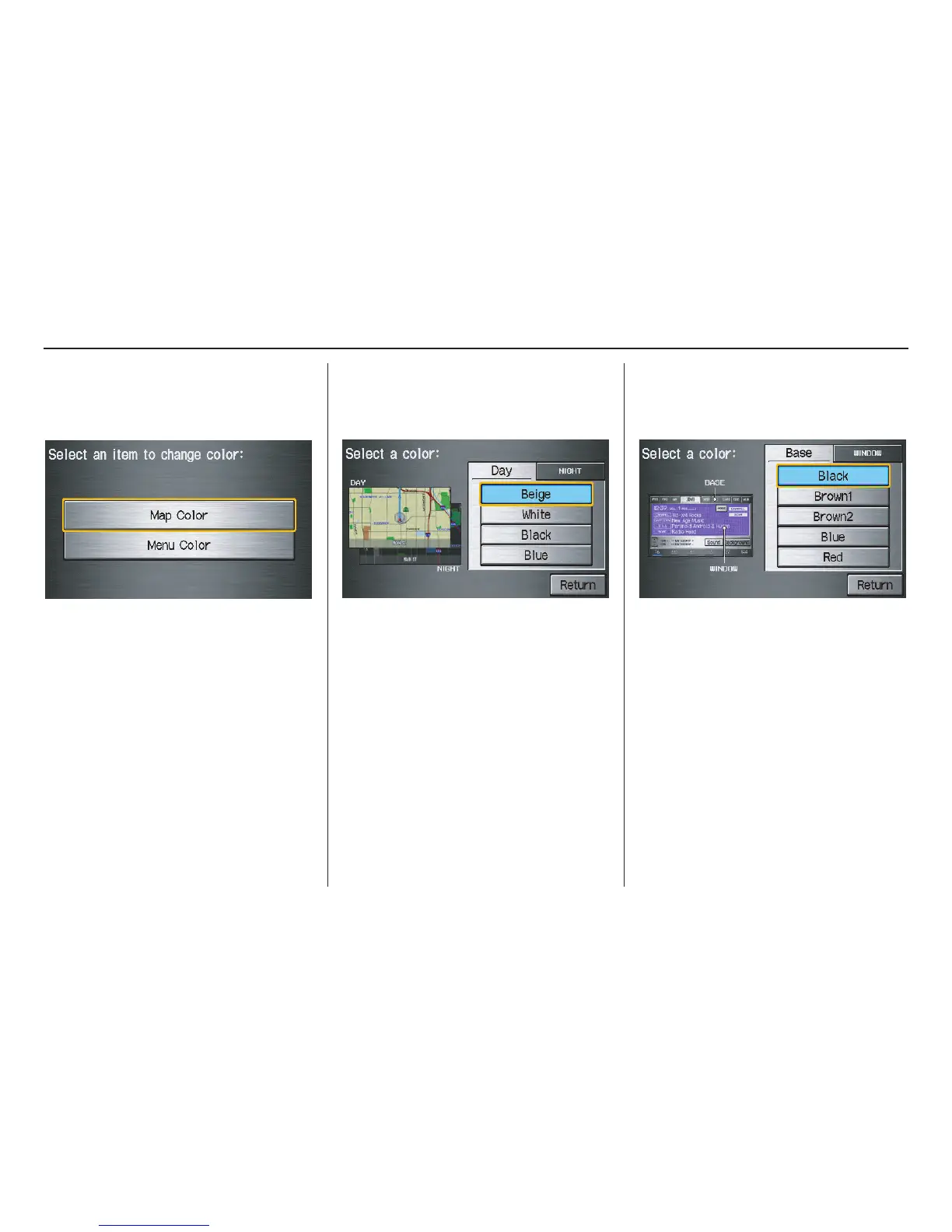
From the Setup screen (second), say or
select Color and the following screen
appears:
Map Color
Allows you to choose the map color
from one of four colors for the Day and
Night modes.
Say or select Return to return to the
previous screen.
NOTE:
• Choose White (factory default is
Beige) as the Day color to obtain the
best daytime display contrast.
• Choose Black (factory default) as
the Night color to obtain the best
nighttime display contrast.
Menu Color
Allows you to choose the menu color
from one of five colors for the Base
and Window.
Say or select Return to return to the
previous screen.
NOTE:
• Choose Black (factory default) as
the Base color to obtain the best
display contrast.
• Choose White (factory default) as
the Window color to obtain the best
display contrast.



 To Next Page
 Loading...