#
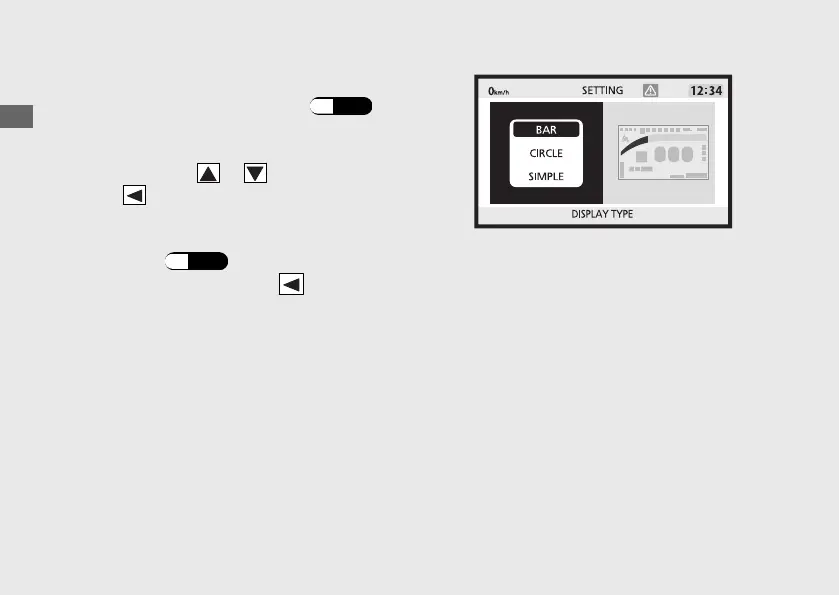
DISPLAY TYPE
You can change the display type. (P.28
)
a
Select the display type ("BAR", "CIRCLE" or
"SIMPLE") using or on the sel switch.
b
Press on the sel switch to complete the
setting.
c
Return to the ordinary display to complete
the setting. (P.44)
To continue setting, press on the sel
switch to return to the upper hierarchy.
Operation Guide
52
Instruments (Continued)








 To Next Page