#
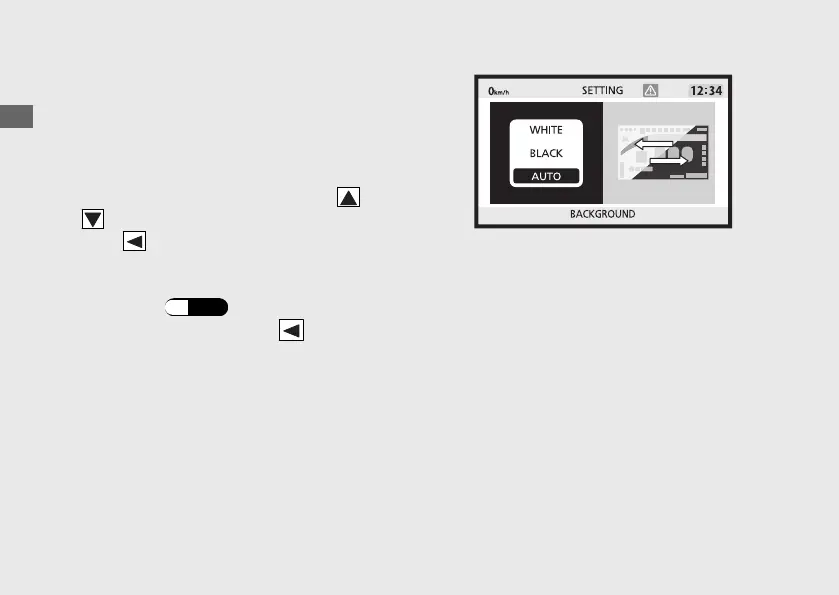
BACKGROUND
You can change the setting of the
background to one of the two colours or
select the auto adjustment.
a
Select the background colour using or
on the sel switch.
b
Press on the sel switch to complete the
setting.
c
Return to the ordinary display to complete
the setting. (P.44
)
To continue setting, press on the sel
switch to return to the upper hierarchy.
Operation Guide
54
Instruments (Continued)









 To Next Page