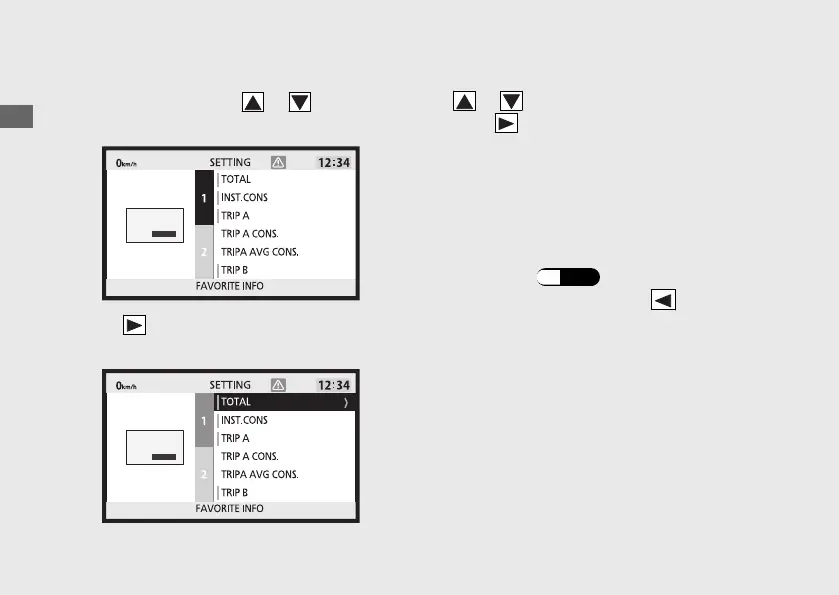
1 line information setting
a
Select the 1 or 2 using or on the sel
switch.
b
Press on the sel switch to select the
information items.
c
Select the desired information setting using
or on the sel switch.
d
Press on the sel switch, set the
information item.
u Items that have already been set are
displayed with a green cursor.
u
Up to 10 items are available.
(Including BLANK)
e
Return to the ordinary display to complete
the setting. (P.44)
To continue setting, press on the sel
switch to return to the upper hierarchy.
Operation Guide
56
Instruments (Continued)









 To Next Page