#
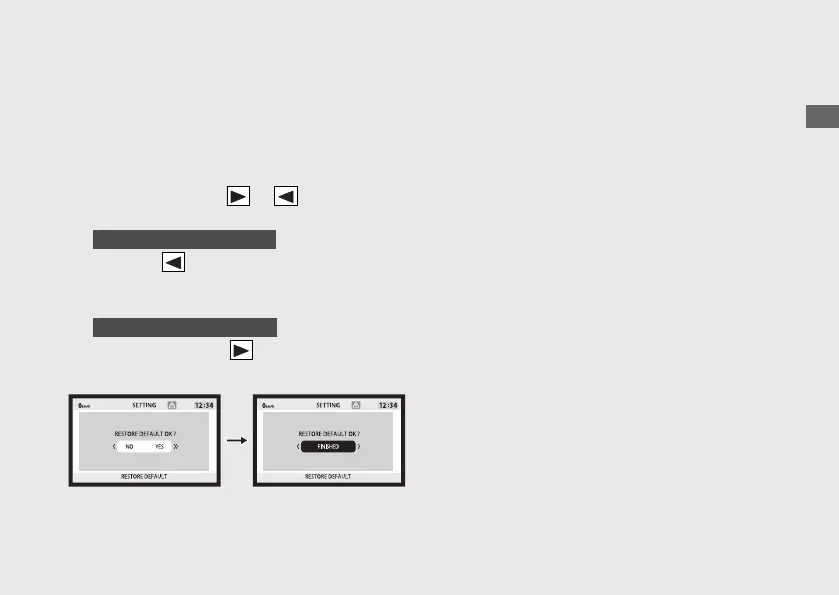
RESTORE DEFAULT
The set values can be returned to the default
settings.
a
Select the “NO” (not restore) or “YES”
(restore) using the or on the sel
switch.
b
When the “NO” is selected
Press the on the sel switch. The set value
is maintained, and then the display returns
to the upper level hierarchy.
When the “YES” is selected
Press and hold the on the sel switch. The
set value return to default setting.
The following items are restored to their
default values:
• DISPLAY TYPE
• SHIFT POINT
• HISS
• BRIGHTNESS
• BACKGROUND
• FAVORITE INFORMATION
u The page of the currently selected INFO
area and status mode are also initialized.
• UNIT
•
LANGUAGE
•
TRIP A AUTO RESET
Operation Guide
61
Continued









 To Next Page