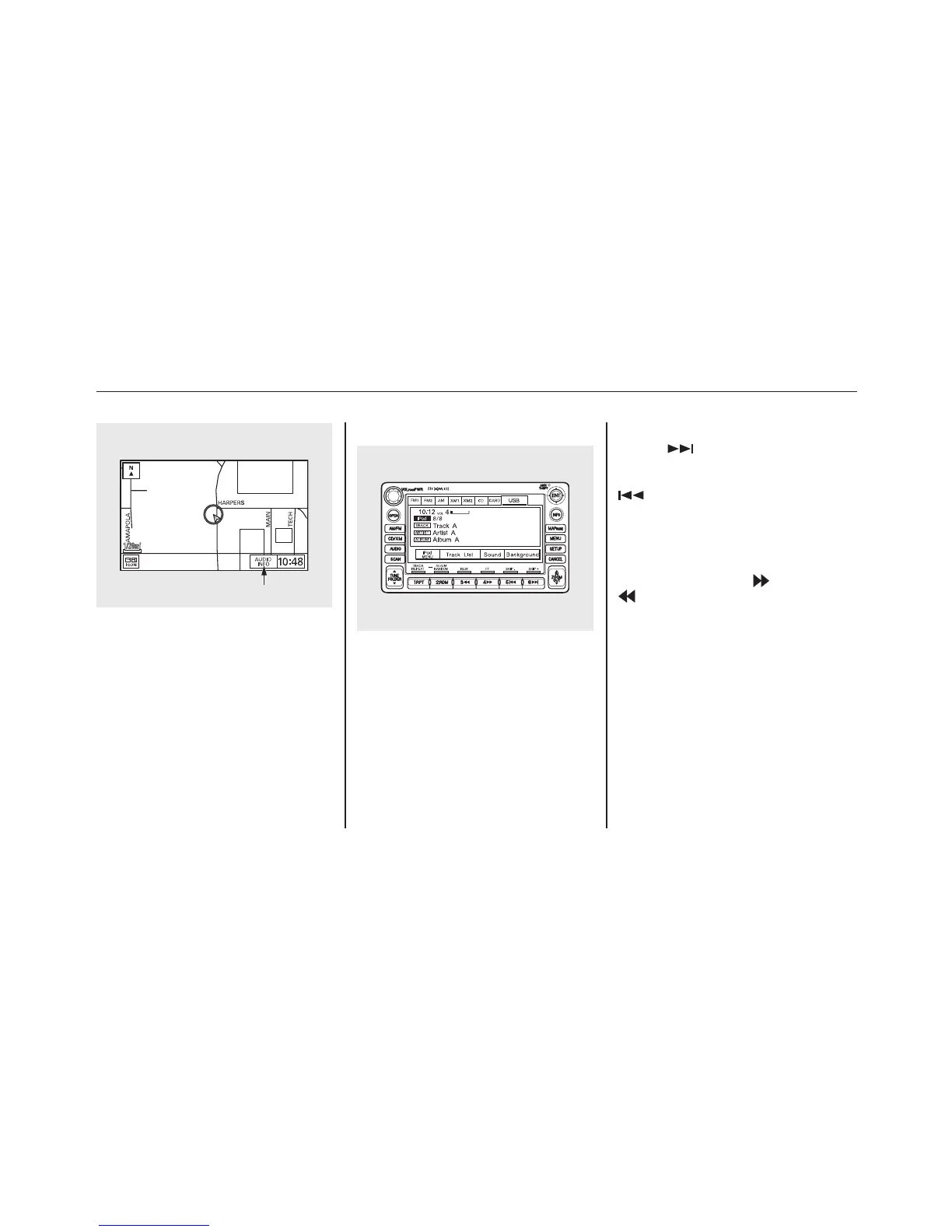
On the map screen, you can see the
audio information whenever you
touch the AUDIO INFO icon on the
lower part of the screen.
To Change or Select Files
Use the preset buttons while an iPod
is playing to select passages and
change files. Each preset button's
function is shown on the bottom of
the screen.
SKIP - Each time you press and
release
(preset 6), the player
skips forward to the beginning of the
next file. Press and release
(preset 5), to skip backward to
the beginning of the current file.
Press it again to skip to the
beginning of the previous file.
FF/REW - To move rapidly within
a file, press and hold
(preset 4) or
(preset 3).
AUDIO INFO ICON
Playing an iPod
®
(Models with navigation system)
166















 To Next Page