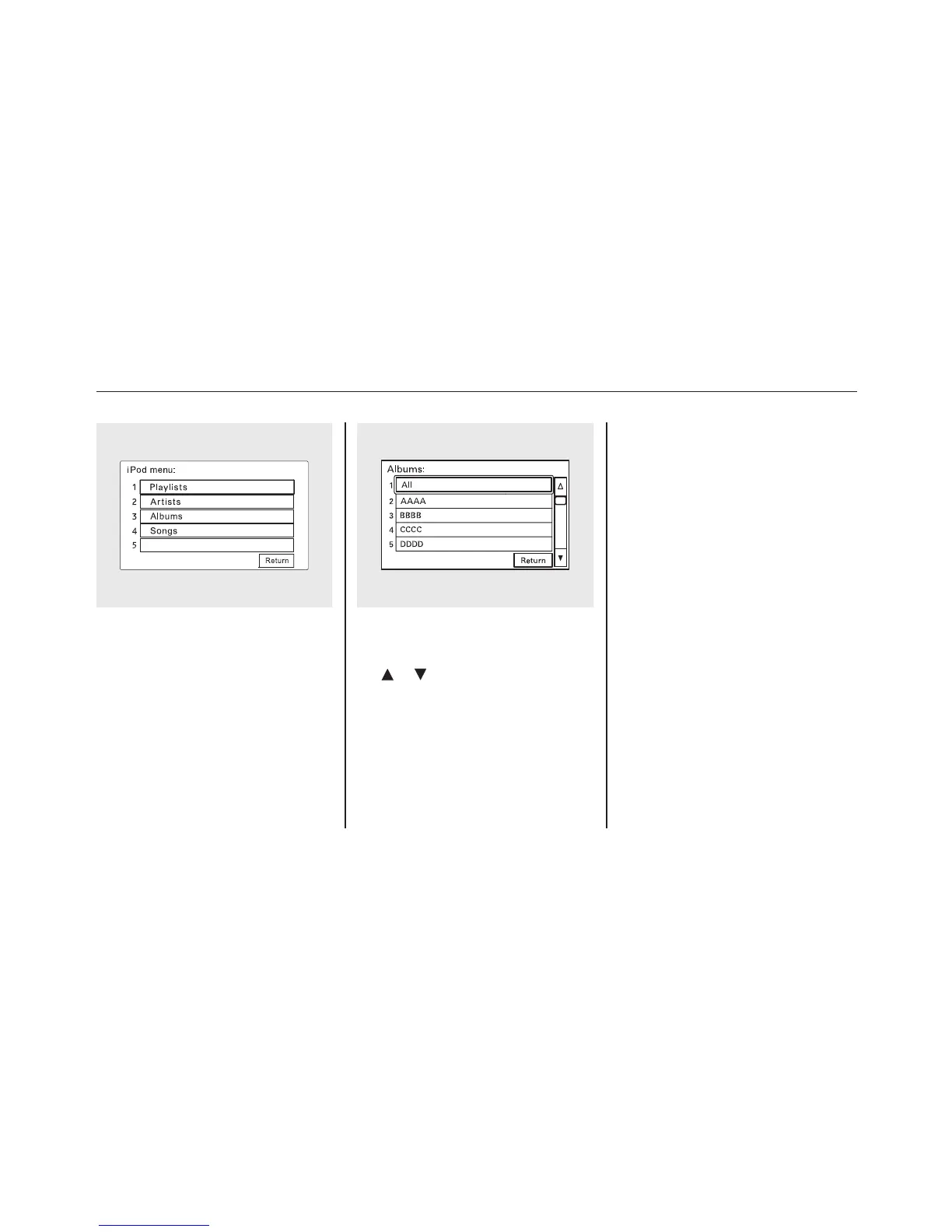
Select a desired list by touching the
appropriate icon.
The display shows the items on that
list. Touch a desired file.
To scroll through the display, touch
the
or icon on the side of the
screen. To go back to the previous
display, touch the Return icon.
To select a desired icon with the
joystick, move it in the appropriate
direction, then press ENT.
If you select ‘‘ALL’’ on either the
artists or albums list, all available
files on the selected list are played.
Press the AUDIO button to go back
to the normal audio playing display.
Pressing the CANCEL button goes
back to the previous screen, and
pressing the MAP button cancels the
audio display on the screen.
Playing an iPod
®
(Models with navigation system)
168















 To Next Page