EasyManua.ls Logo

Honda HHT35S - User Manual

Honda HHT35S
68 pages
Print Icon
To Next Page IconTo Next Page
Loading...
Owner's Manual
© 2002, 2006 American Honda Motor Co., Inc.—All Rights Reserved
POM53509B
IPC XXXX.2006.01
Printed in U.S.A.
31VL3D00
00X31-VL3-D000
Printed on
Recycled Paper
EM4
See page 41 for instructions on
assembling your Trimmer.
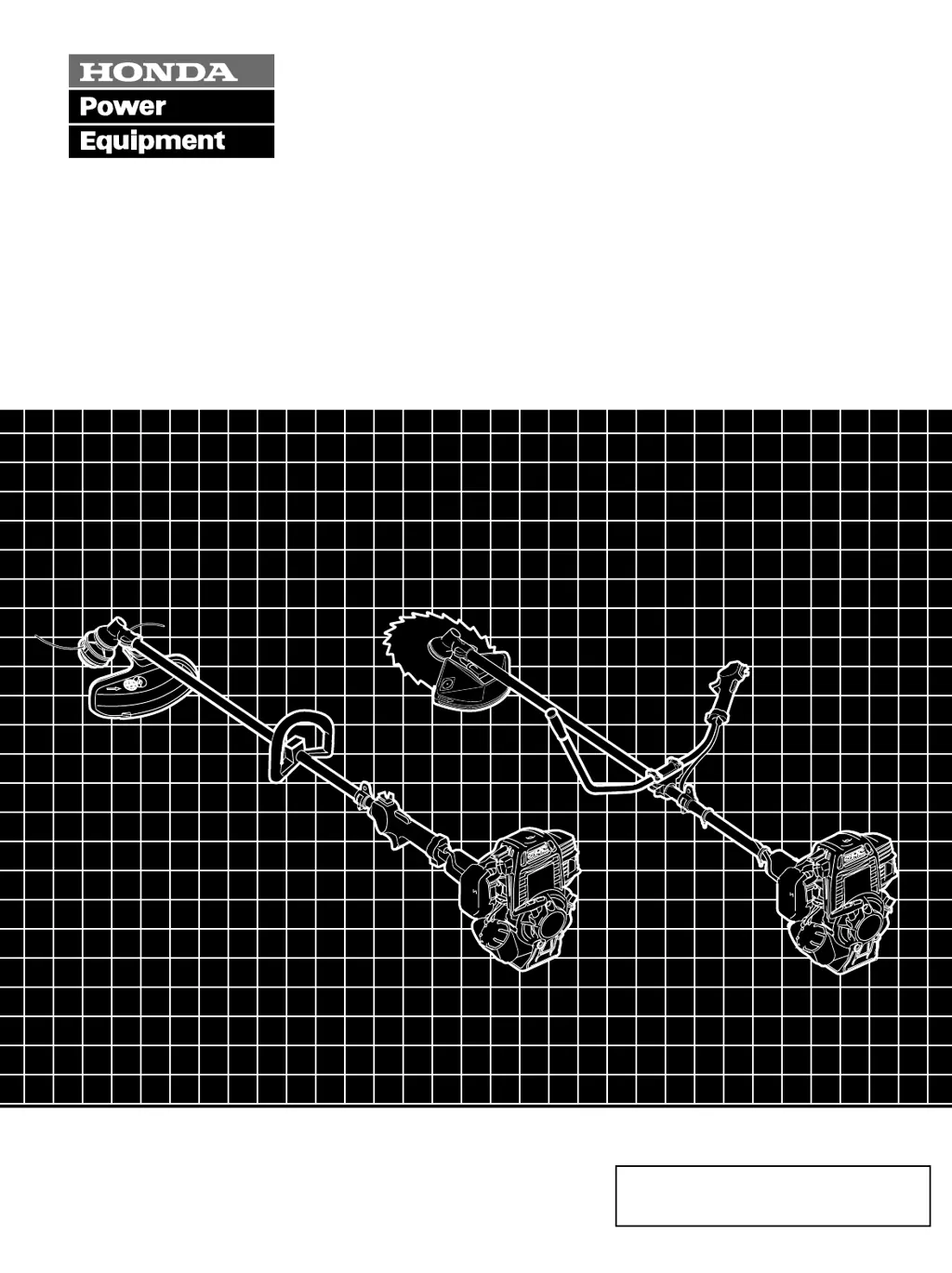
Trimmer/Brush Cutter
HHT25S • HHT35S

Questions and Answers

  • B
    Brad WiseAug 15, 2025
    Why won't my Honda HHT35S engine start?
    • P
      pbautistaAug 15, 2025
      Several factors can prevent your Honda Trimmer's engine from starting. It could be due to the ignition switch being in the STOP position—ensure it's turned ON. If the engine is cold, the choke may not be in the CLOSED position; adjust it accordingly. Also, check if you're out of fuel and add some, pressing the priming bulb. Bad fuel from storage can also be a culprit; drain the tank and carburetor, then refuel with fresh gasoline. A faulty spark plug could also be the problem; gap or replace it. Finally, issues like a clogged fuel filter or carburetor malfunction could be the cause, requiring a visit to an authorized Honda dealer.
  • M
    Mary WalkerAug 18, 2025
    Why won't my Honda HHT35S Trimmer start?
    • G
      Gregory RamirezAug 18, 2025
      Your Honda Trimmer might not start due to several reasons: the ignition switch may be in the STOP position (turn it ON), the choke may not be in the CLOSED position for a cold engine (move it to CLOSED), the trimmer may be out of fuel (add fuel and press the priming bulb), the fuel may be bad due to improper storage (drain the tank and carburetor, then refuel with fresh gasoline), or the spark plug may be faulty (gap or replace the spark plug). If these steps don't resolve the issue, it could be due to a clogged fuel filter, carburetor malfunction, ignition malfunction, or stuck valves, requiring service by an authorized Honda dealer.
  • S
    Sharon DicksonAug 21, 2025
    What to do if my Honda HHT35S has excessive vibration?
    • D
      Dustin PowellAug 21, 2025
      Excessive vibration in your Honda Trimmer can stem from a few issues. First, check if the cutting-line head or blade nut is loose and tighten it securely. Unequal cutting-line lengths can also cause vibration; rewind the cutting-line and cut the lines to equal lengths. Lastly, a damaged blade can be the source; replace it to resolve the issue.
  • T
    Todd TurnerAug 25, 2025
    Why won’t the cutting line head stop turning on my Honda HHT35S Trimmer?
    • D
      davisjamesAug 25, 2025
      If the cutting line head on your Honda Trimmer won’t stop turning, it could be due to a fault in the throttle control or cable, or the throttle cable may be out of adjustment or bent, which requires attention from an authorized Honda dealer. It may also happen if the idle speed is too fast, or due to broken or worn clutch springs, or a faulty clutch system.
  • P
    Paul WoodAug 27, 2025
    What to do if the cutting line or blade head won’t turn on my Honda HHT35S?
    • J
      James CraneAug 27, 2025
      If the cutting line or blade head on your Honda Trimmer won’t turn, it could be due to a worn or broken clutch, a broken drive cable, or worn or broken gear case parts, requiring a visit to an authorized Honda dealer for repair.
  • T
    Todd ScottAug 30, 2025
    What to do if Honda HHT35S has excessive vibration?
    • P
      Paul HardinAug 30, 2025
      Excessive vibration in your Honda Trimmer can be caused by a loose cutting-line head or blade nut (tighten it securely), unequal cutting-line lengths (rewind the cutting-line and cut to equal lengths), or a damaged blade (replace the blade).
  • G
    Gary SaundersSep 2, 2025
    What to do if Honda Trimmer cutting-line or blade head won’t turn?
    • A
      Ashley LopezSep 2, 2025
      If the cutting-line or blade head on your Honda Trimmer won’t turn, it could be due to a worn or broken clutch, a broken drive cable, or worn or broken gear case parts. In this case, take the trimmer to an authorized Honda dealer for repair.
  • C
    Christopher AdamsSep 5, 2025
    What to do if Honda HHT35S Trimmer blade is damaged?
    • J
      john32Sep 5, 2025
      If the blade on your Honda Trimmer is damaged, replace it.
  • D
    Douglas MartinezSep 8, 2025
    How to fix a loose cutting-line head or blade nut on Honda Trimmer?
    • H
      howard53Sep 8, 2025
      To fix a loose cutting-line head or blade nut on your Honda Trimmer, tighten the cutting-line head or blade nut securely.
  • Y
    youngamberSep 12, 2025
    What to do if the Honda HHT35S cutting-line has unequal lengths?
    • A
      Ashley GregorySep 12, 2025
      If the cutting-line has unequal lengths, rewind the cutting-line and cut it to equal lengths.

Summary

TRIMMER SAFETY

IMPORTANT SAFETY INFORMATION

Key safety guidelines for operating the trimmer, including warnings and precautions.

RECOMMENDED CUTTING ATTACHMENTS

Cutting Line Heads and Shields

Details on nylon line heads, manual feed, and semi-automatic feed mechanisms.

OPERATION

Safe Operating Precautions

General safety rules to follow before and during operation.

SERVICING YOUR TRIMMER

Importance and Safety of Maintenance

Why maintenance is crucial and the safety precautions to follow.

Maintenance Schedule

A detailed schedule of routine maintenance tasks and intervals.

TAKING CARE OF UNEXPECTED PROBLEMS

Troubleshooting Engine and Power Issues

Diagnosing and resolving problems with engine starting, power, or cutting head operation.

TECHNICAL & CONSUMER INFORMATION

Specifications and Consumer Information

Detailed trimmer specifications, consumer info, dealer locator, and service contacts.

Warranty Information

Details of the distributor's warranty and related terms.

Honda HHT35S Specifications

General IconGeneral
Displacement35.8 cc
Fuel TypeUnleaded Gasoline
Handle TypeLoop
Cutting HeadSemi-matic (bump feed)
Fuel Tank Capacity0.17 gallons
Power Output1.3 HP
Cutting Width17 inches
Engine4-stroke
Shaft TypeStraight shaft
Weight15 lbs

Related product manuals