276
uuColour AudiouHFT Menus
■
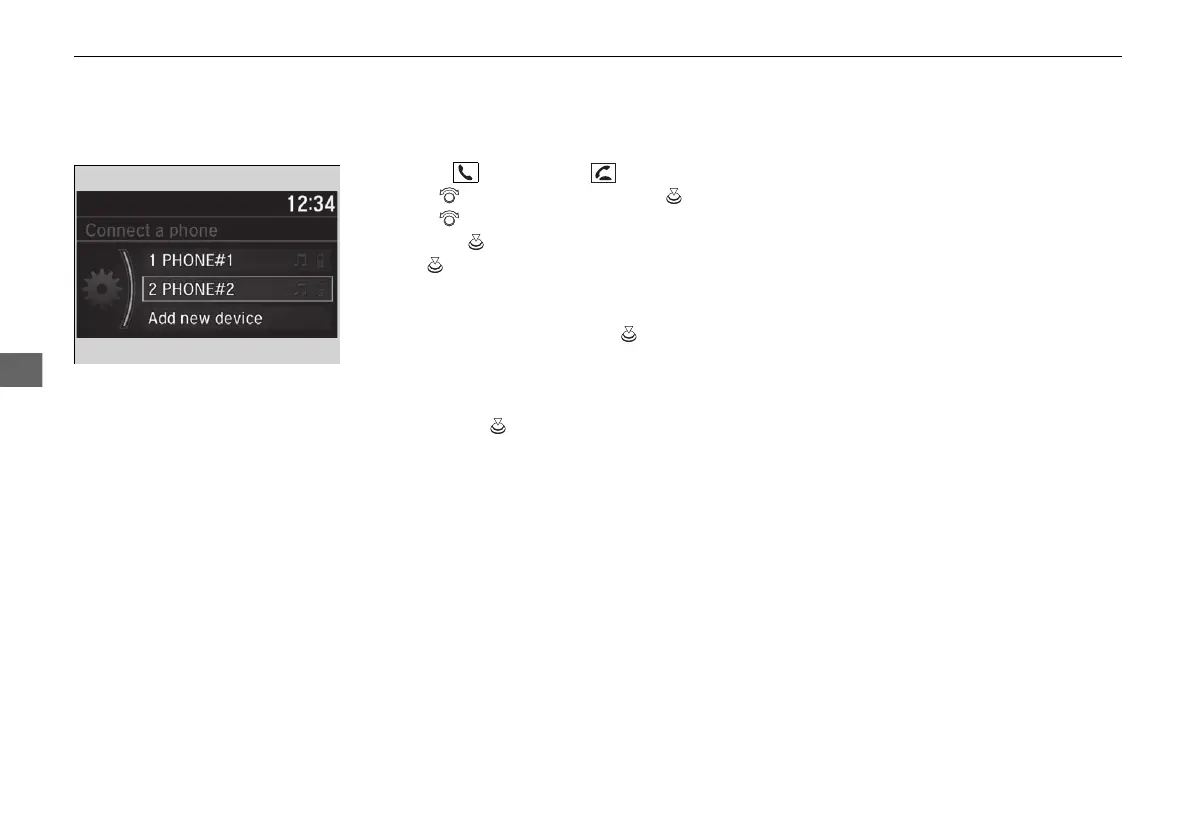
To pair a mobile phone (when a phone has already been paired to the
system)
1. Press the button or the button.
2. Rotate to select Yes, then press .
3. Rotate to select Add new device,
then press .
4. Press to select OK.
u The screen changes to device list.
5. Make sure your phone is in search or
discoverable mode, then press .
u HFT automatically searches for a
Bluetooth® device.
6. When your phone appears on the list, select
it by pressing .
u If your phone does not appear, select
Refresh and search for Bluetooth®
devices using your phone. From your
phone, select Honda HFT.
7. The system gives you a pairing code on the
audio/information screen.
u Confirm if the pairing code on the screen
and your phone match.
This may vary by a phone.
21 JAZZ HYBRID SSS-32TZA6000.book 276 ページ 2020年1月29日 水曜日 午前10時32分











 To Next Page