1Bluetooth® HandsFreeLink®
Place your phone where you can get good reception.
To use HFL, you need a Bluetooth-compatible cell
phone. For a list of compatible phones, pairing
procedures, and special feature capabilities, ask a
dealer or your Honda dealer.
To use the system, the Bluetooth setting must be
ON.
2 Phone Setup P. 517
Voice control tips
• Aim the vents away from the ceiling and close the
windows, as noise coming from them may interfere
with the microphones.
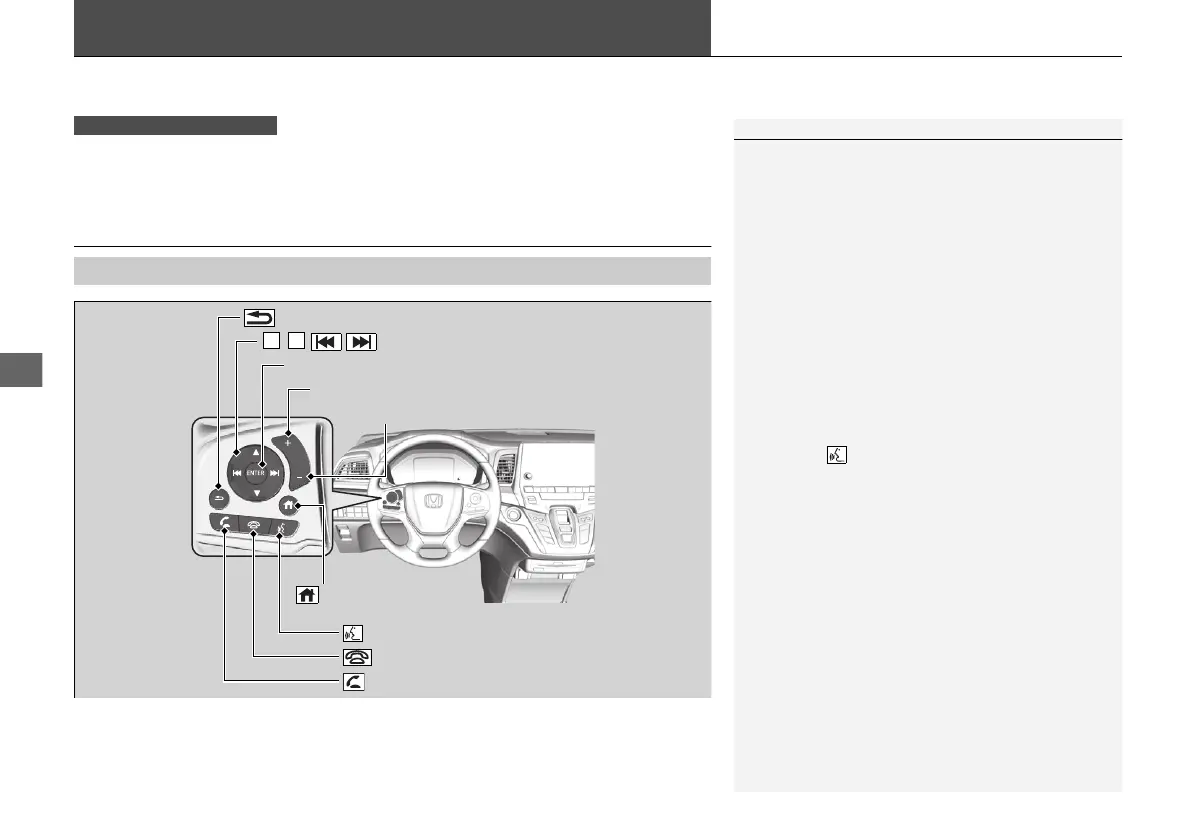
• Press the button when you want to call a
number using a phonebook name or a number.
Speak clearly and naturally after a beep.
• If the microphones pick up voices other than yours,
the command may be misinterpreted.
• To change the volume level, select the audio
system’s VOL (Volume) or use the remote audio
controls on the steering wheel.
If there is no speed dial entry in the system, the pop-
up notification appears on the screen.
2 Favorite Contacts P. 522
If there is no call history, the call history is disabled.


 To Next Page
 Loading...