430
uuBluetooth® HandsFreeLink®uHFL Menus
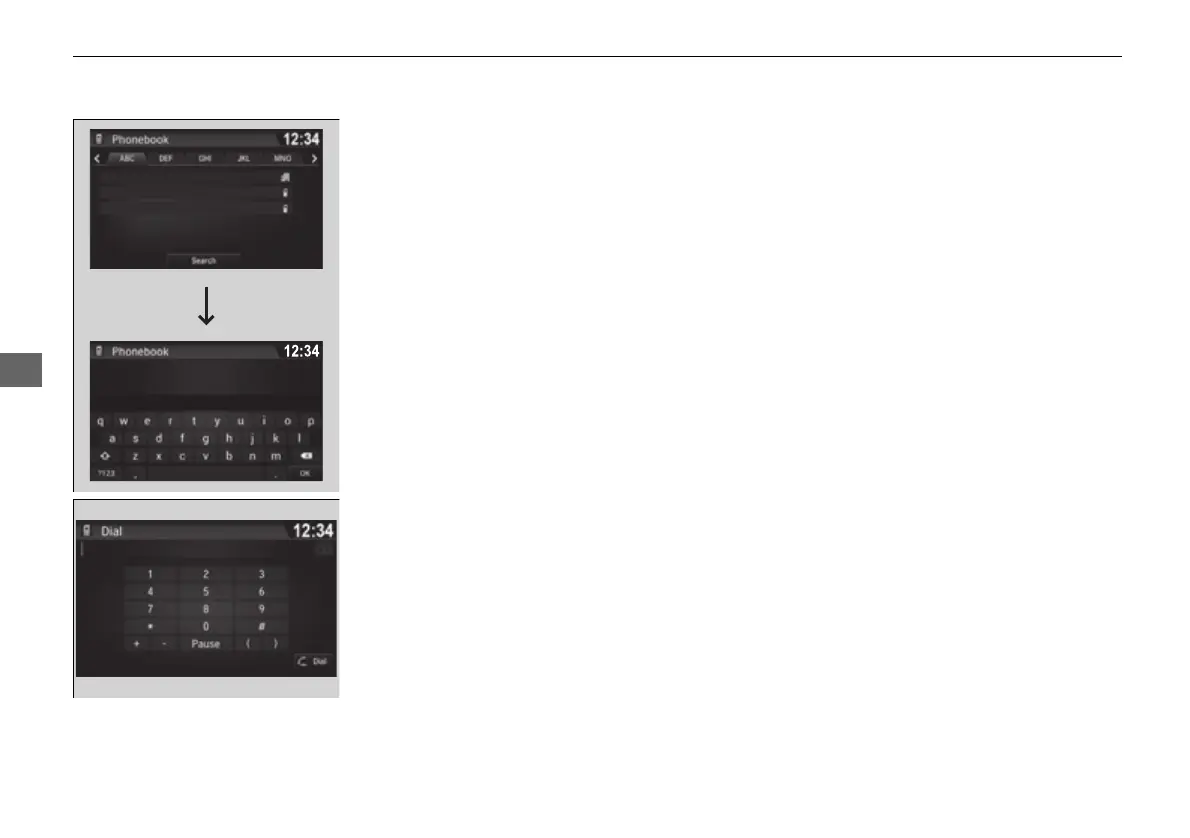
■ To make a call using the imported
phonebook
1. Go to the Phone menu screen.
2 Phone menu screen P. 414
2. Select Phonebook.
3. Select a name.
u You can also search by letter. Select
Search.
u Use the keyboard on the touch screen for
entering name, if multiple numbers exist
select a number.
4. Select a number.
u Dialing starts automatically.
■ To make a call using a phone number
1. Go to the Phone menu screen.
2 Phone menu screen P. 414
2. Select Dial.
3. Select a number.
u Use the keyboard on the touch screen for
entering numbers.
4. Select Dial.
u Dialing starts automatically.
AAAAAA
BBBBBB
CCCCCC
AAA
BBB
CCC
16 PILOT-31TG76000.book 430 ページ 2016年10月19日 水曜日 午後5時4分















 To Next Page