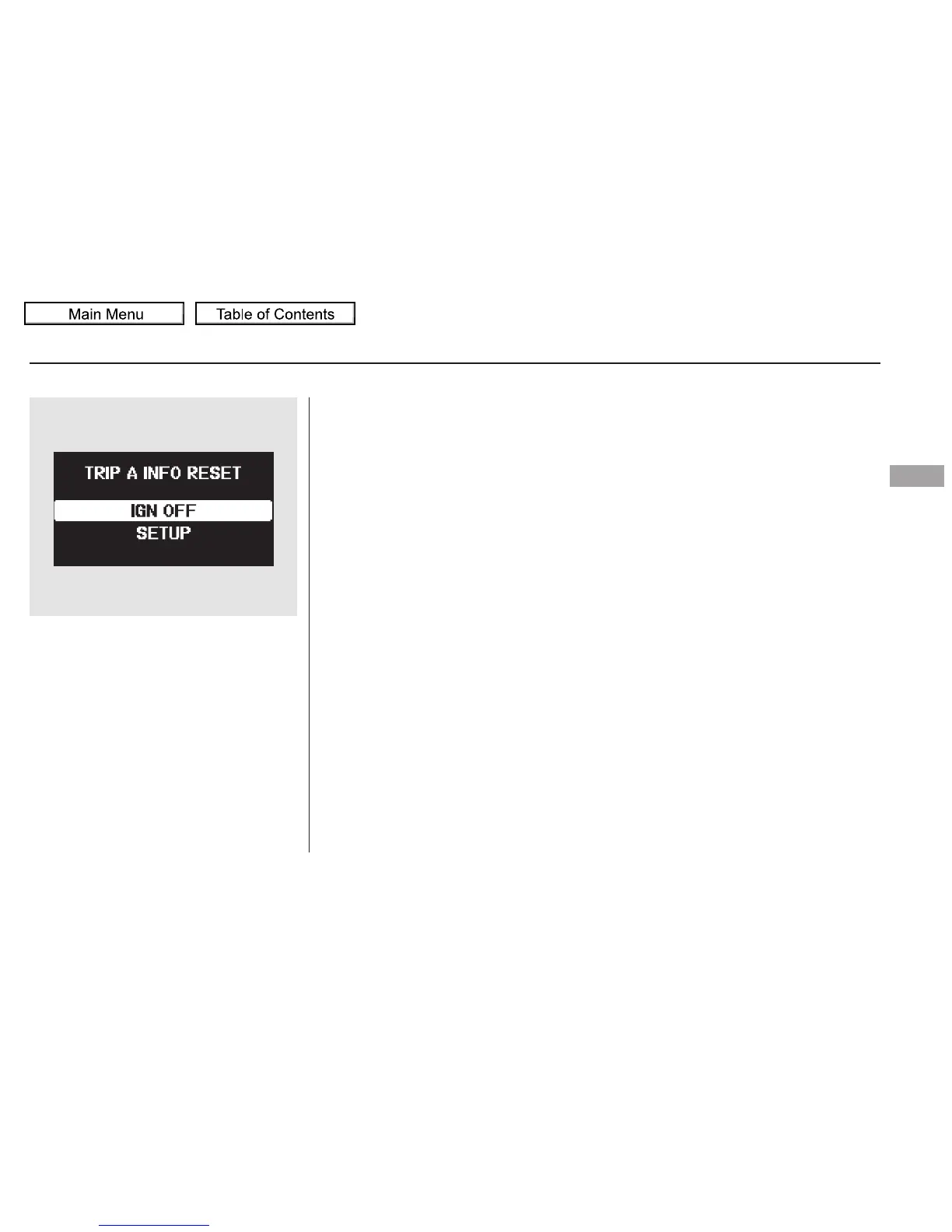
When your selection is successfully
completed, the display changes as
shown above, and then goes back to
the customize item screen.
If the ‘‘SETTING INCOMPLETE’’
message appears, go back to ‘‘TRIP
A INFO RESET’’ and repeat the
procedure again.
Multi-Information Display
Instruments and Controls
107
10/01/26 18:41:45 31SZA620_112


 To Next Page
 Loading...