Operation Guide
19
To set the clock:
a
Turn the ignition switch to the ON position.
b
Select the digital clock mode.
c
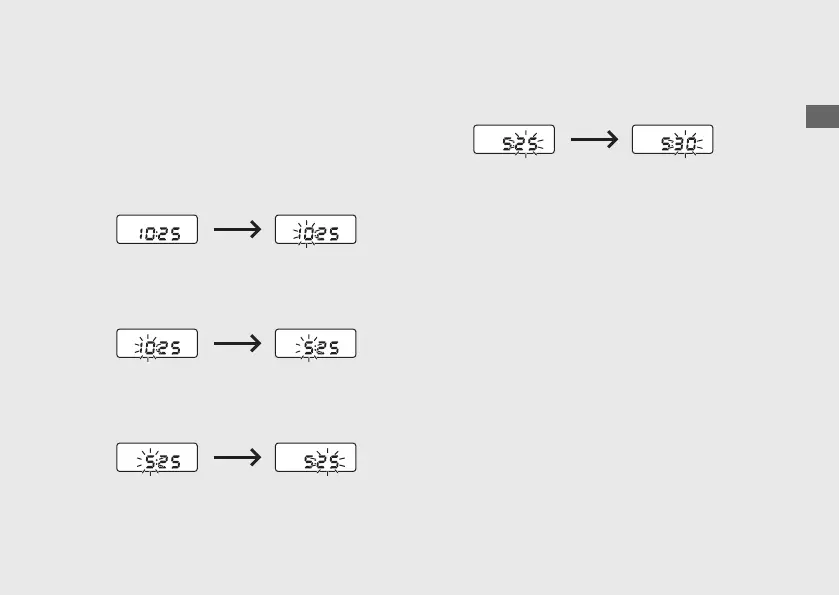
Press and hold the Select/Reset button until
the hour digits start flashing.
d
Press the Select/Reset button until the
desired hour is displayed.
e
Press and hold the Select/Reset button. The
minute digits start flashing.
f
Press the Select/Reset button until the
desired minute is displayed.
g
Press and hold the Select/Reset button until
the display stops flashing. The clock is set.
u The time can also be set by turning the
ignition switch to the OFF position.
u The display will stop flashing
automatically and the adjustment will be
cancelled if the button is not pressed for
about 30 seconds.










 To Next Page