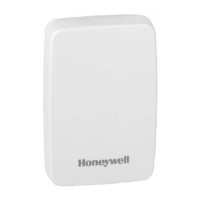
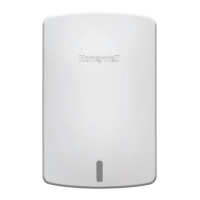
Wireless Indoor Sensor
1
69-2459EFS—09
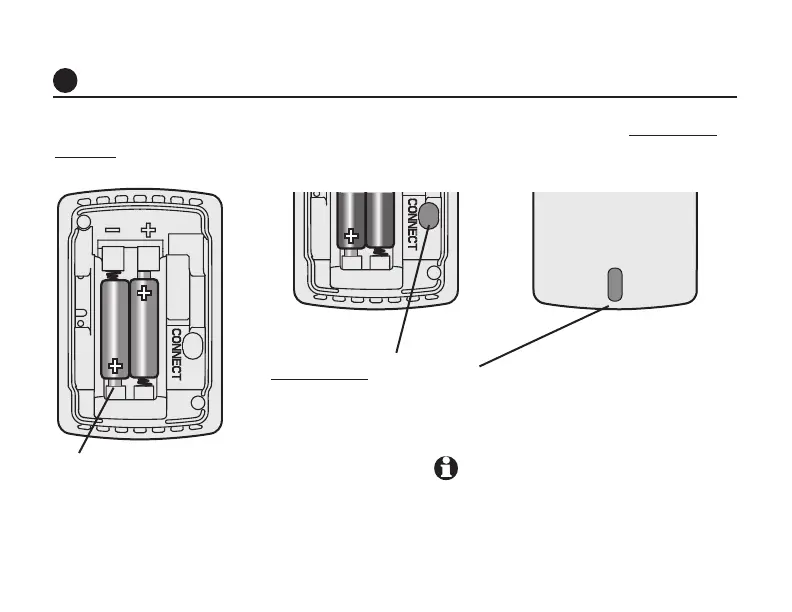
Install 2 fresh AAA alkaline batteries.
Status light will briefly flash green. If it
flashes red, batteries are not good.
Install batteries and link sensor to thermostat
1
Install batteries, then enter Wireless Setup mode at the thermostat. Press and
release the CONNECT button to link the wireless sensor to the thermostat.
Press and release CONNECT. After
a short delay, the status light will
glow green for 15 seconds.
If the status light is red, the
sensor did not link with the
thermostat. See Note.
Verify the thermostat is in the Wireless Setup
mode and the indoor sensor is at least 2 feet
away from the EIM or thermostat.

 To Next Page
 Loading...