EasyManua.ls Logo

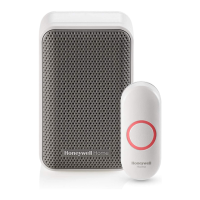
Honeywell Home RDWL515P - User Manual

Honeywell Home RDWL515P
24 pages
Print Icon
To Next Page IconTo Next Page
Loading...
RDWL515P2000
Read before installing
Installation and Operation Guide
Plug-In Wireless Doorbell
Preparation
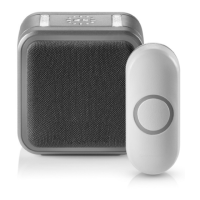
Doorbell
Push
Button
Flat Head
Screws
Phillips Screwdriver
Standard Screwdriver
Push Button Mounting
Bracket
and Adhesive Pad
To install you will need
In the box you will find
The push button supplied with this kit is pre-programmed to operate with the doorbell.
If it is not, see “Connect a Push Button” on page 5.
CR2032
Battery
Question and Answer IconNeed help?

Do you have a question about the Honeywell Home RDWL515P and is the answer not in the manual?

Honeywell Home RDWL515P Specifications

General IconGeneral
BrandHoneywell Home
ModelRDWL515P
CategoryAccessories
LanguageEnglish

Summary

Doorbell Operation and Features

Power-up Procedure

Instructions for plugging in and powering up the doorbell unit.

Mute Functionality

Instructions on how to mute the doorbell temporarily or for specific durations.

Advanced Features and Setup

Push Button Installation

Steps for mounting the push button using screws or adhesive backing.

Maintenance and Troubleshooting

Resetting the Doorbell

Procedure to restore the doorbell to its factory default settings.

Precautions and Warnings

Safety advice concerning product handling, damage, and environmental factors.

Troubleshooting Common Issues

Solutions for problems like doorbell not working or reduced range.
Related product manuals