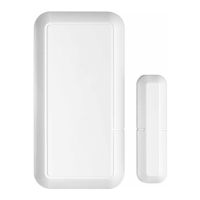
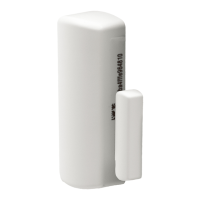
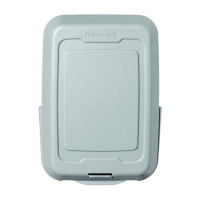
PROSiXCT
Wireless Door/Window Sensor Installation Instructions
The PROSiXCT is a two-zone wireless door /
window sensor with cover and wall tamper. It is
intended for use with Honeywell Home controls
that support PROSiX™ series devices.
The PROSiXCT can be installed with two options:
• Reed switch with magnet:
Make gap is 0.75"; Break gap is 1.30".
• Optional wiring for external contact loop:
a) surface wiring
b) concealed wiring
Mount the PROSiXCT
1. To open the case, firmly slide the front and back
housings in opposite directions and pull them
apart to open the device.
2. Mount sensor as shown using the double-sided
tape and screws provided.
3. If using an external contact, connect its wires to
the terminal block.
NOTE: Wiring limit is 3ft.
4. Secure the front cover with the #2 x 1/4” screw.
After enrolling and before mounting, verify
adequate signal strength by conducting a sensor
test (see controller’s instructions) with the device in
its intended mounting location. Adjust the device
location and orientation as necessary.
Signal Strength Guide
Signal strength: Range of 1-4 bars (green); should be
minimum 1 green bar for the Zone being programmed.
Four red bars indicate poor signal strength; the device
should be relocated.
See the Control’s instructions for bar indication signal
strength values.
Four Green Bars
Good
Three Green Bars
Two Green Bars
One Green Bar
Four Red Bars Relocate the device

 Need help?
 General

 To Next Page