– 37 –
USER FUNCTIONS
Remote Phone Control Feature
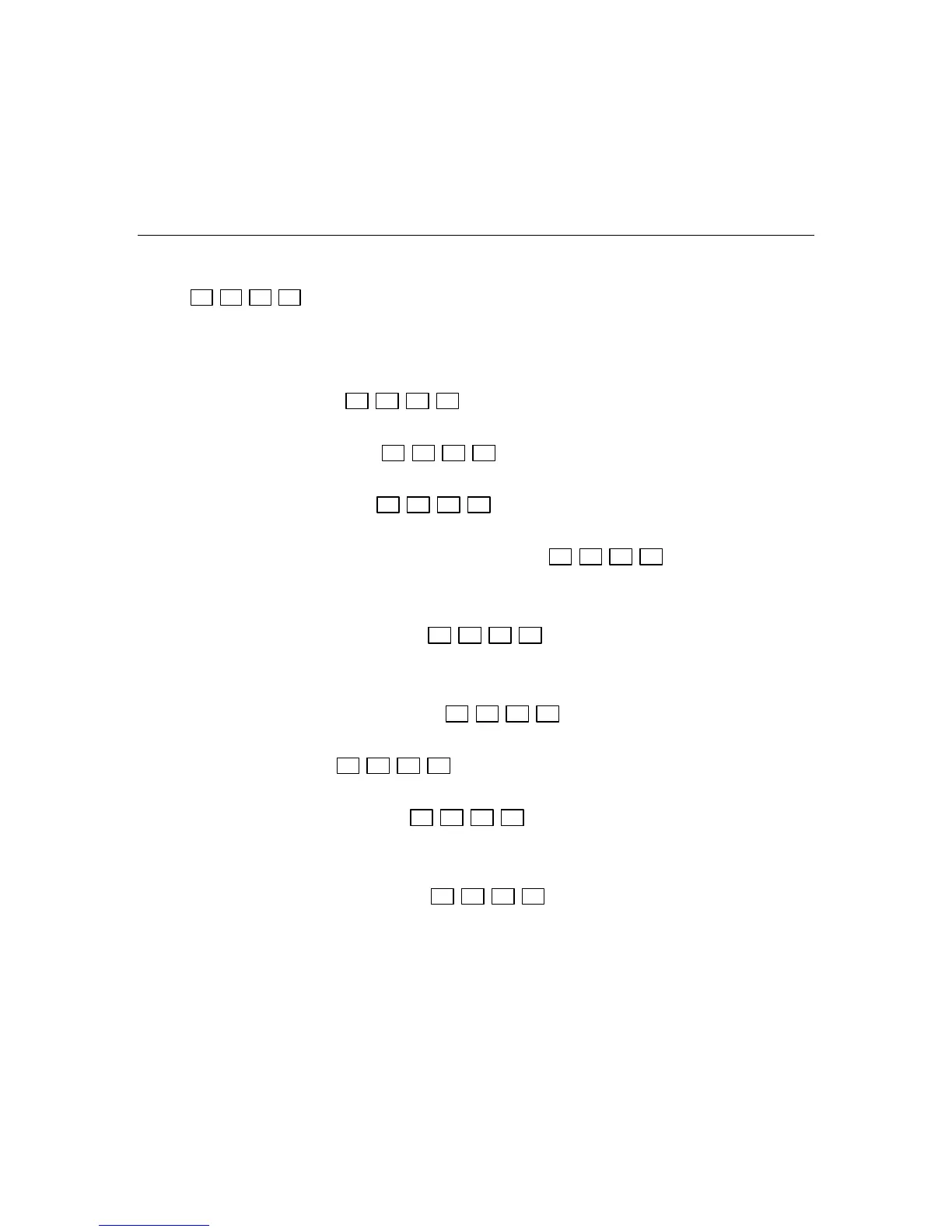
Enter: (within eight seconds)
Your user code
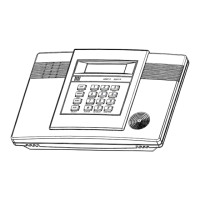
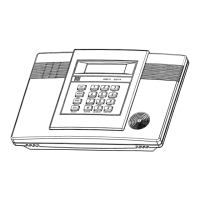
Upon entering remote phone control mode the Lynx will announce “System, enter code”.
Remote Phone Control Commands
To remotely disarm system:
+ [1]
Your user code
To remotely arm in AWAY mode: + [2]
Your user code
To remotely arm in STAY mode: + [3]
Your user code
To remotely arm in AWAY or STAY mode with no delay: + [2] or [3] + [0]
Your user code
To remotely activate X10 devices 1-6: [#] + [4] + device no.
To remotely activate X10 devices 7 & 8: + [#] + [4] + device no.
Your user code
To remotely deactivate X10 devices 1-6: [#] + [7] + device no.
To remotely deactivate X10 devices 7 & 8: + [#] + [7] + device no.
Your user code
To remotely Bypass zones: + [6] + zone no.
Your user code
To remotely activate Forced Bypass: + [6] + [#]
Your user code
To remotely check system status: [✻]
To end remote phone session:
Hang Up or + [9]
Your user code
NOTES: (1) Check with your installer to see if the Forced Bypass mode has been enabled.
(2) When bypassing zones, make sure a confirmation beep sounds for each zone that has been bypassed.


 To Next Page
 Loading...