– 39 –
USER FUNCTIONS
Speaker Phone Feature
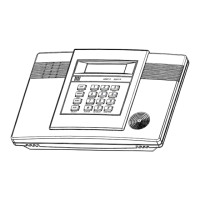
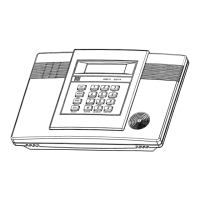
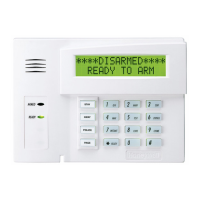
LYNXR-I Speaker Phone Functions
To place a call using the Speaker Phone:
[#] + AUX and dial the desired phone number.
To answer a call using the Speaker Phone: [#] + AUX
To flash (switch between two calls using call waiting): AUX
To hang up:
OFF
To activate/deactivate (toggle) ringer:
[#] + VOLUME + AUX
To return the keypad to telephone mode after disarming the system: [#] + AUX
NOTES: (1) The speaker phone ringer can only be enabled/disabled when the speaker phone mode is not active.
The system will ring once to confirm the ringer is enabled. Entering
[#] + VOLUME + AUX a
second time will disable the ringer. No ring will confirm that the ringer is disabled.
(2) The speaker phone ringer will not ring when an alarm, trouble or entry/exit delay are sounding.
(3) The LYNXR-I speaker phone does not provide a “hold” feature.
NOTE
If you are using pulse (rotary)
dialing, allow enough time for the
LYNXR-I to finish dialing the
last digit you dialed, before
dialing the next digit.


 To Next Page
 Loading...