10
Honeywell 35 Series IP Cameras User Guide
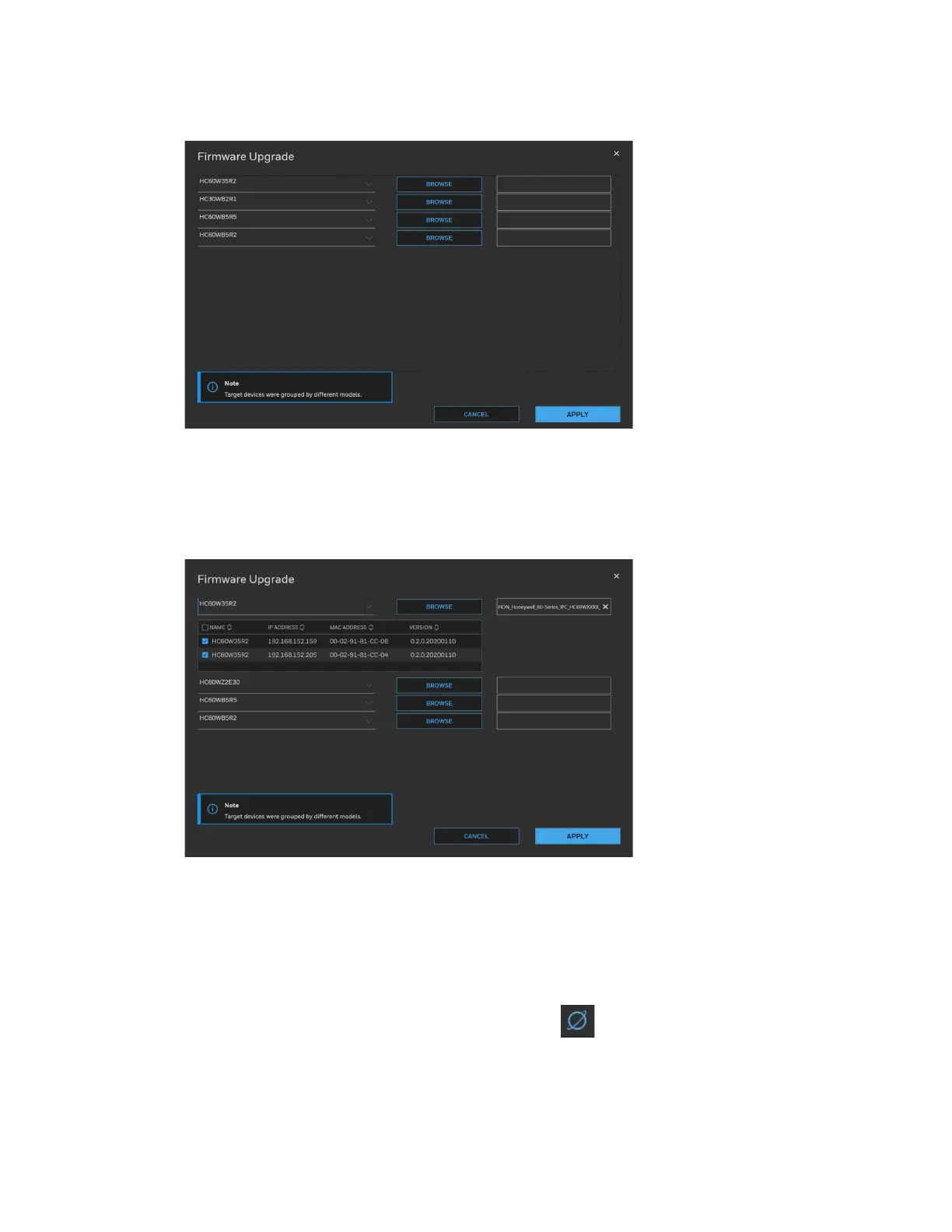
Figure 10 Firmware Upgrade 1
The devices were grouped by model. To upgrade the firmware:
1. Select the target device(s) under a model.
2. Click BROWSE and select the upgrade file from your computer.
Figure 11 Firmware Upgrade 2
3. Click APPLY. You can check the progress status in the device list.
Accessing the Camera from a Web Browser
To access the camera from a web browser, click next to the IP address of the device
as shown in Figure 6.



 To Next Page
 Loading...